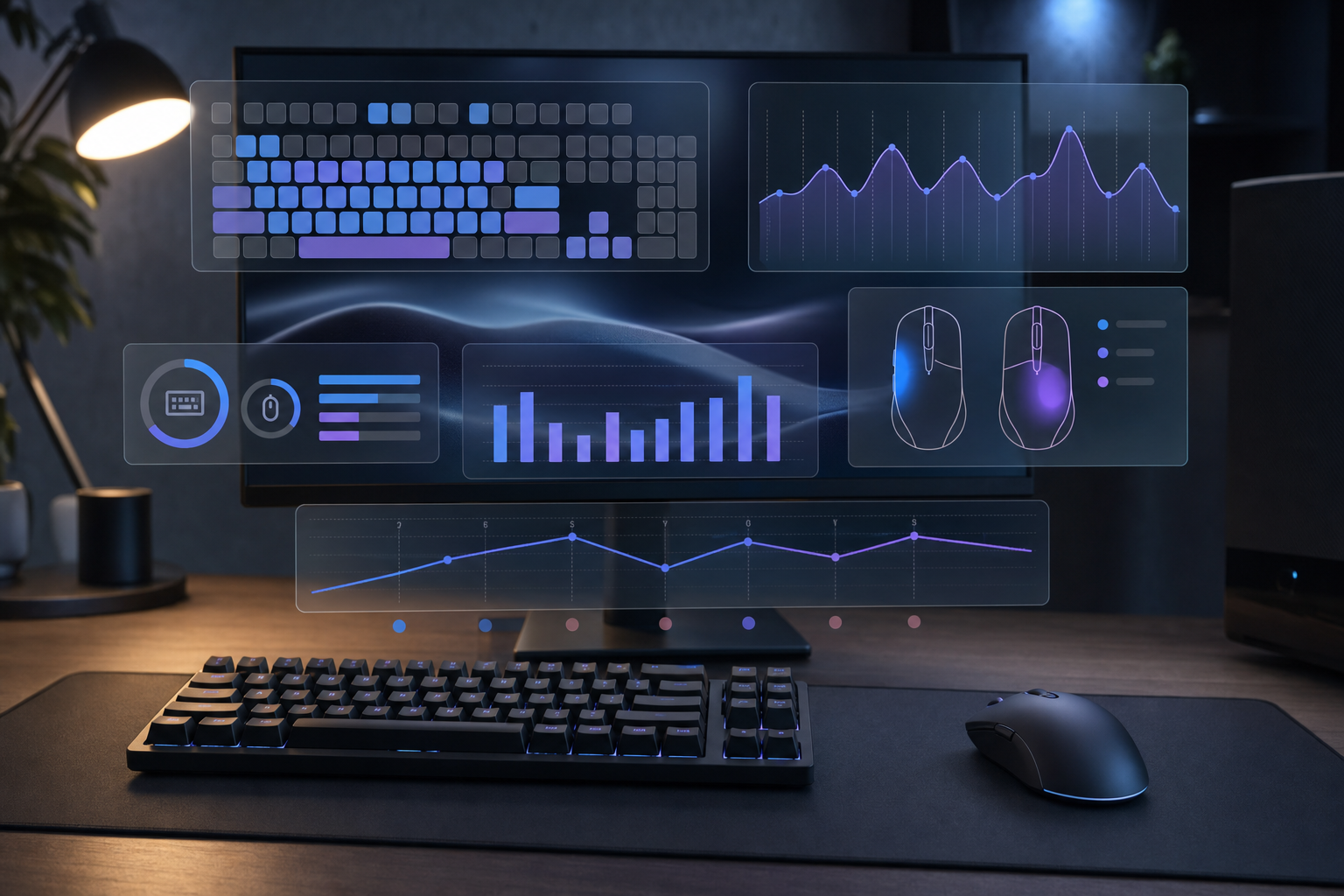
Mouse and Keyboard Tracker: A Practical Setup Guide
Use a mouse and keyboard tracker to measure clicks, keys, sessions, and computer habits with clean weekly reviews and practical context for real patterns.
8 min read

Use a mouse and keyboard tracker to measure clicks, keys, sessions, and computer habits with clean weekly reviews and practical context for real patterns.
8 min read
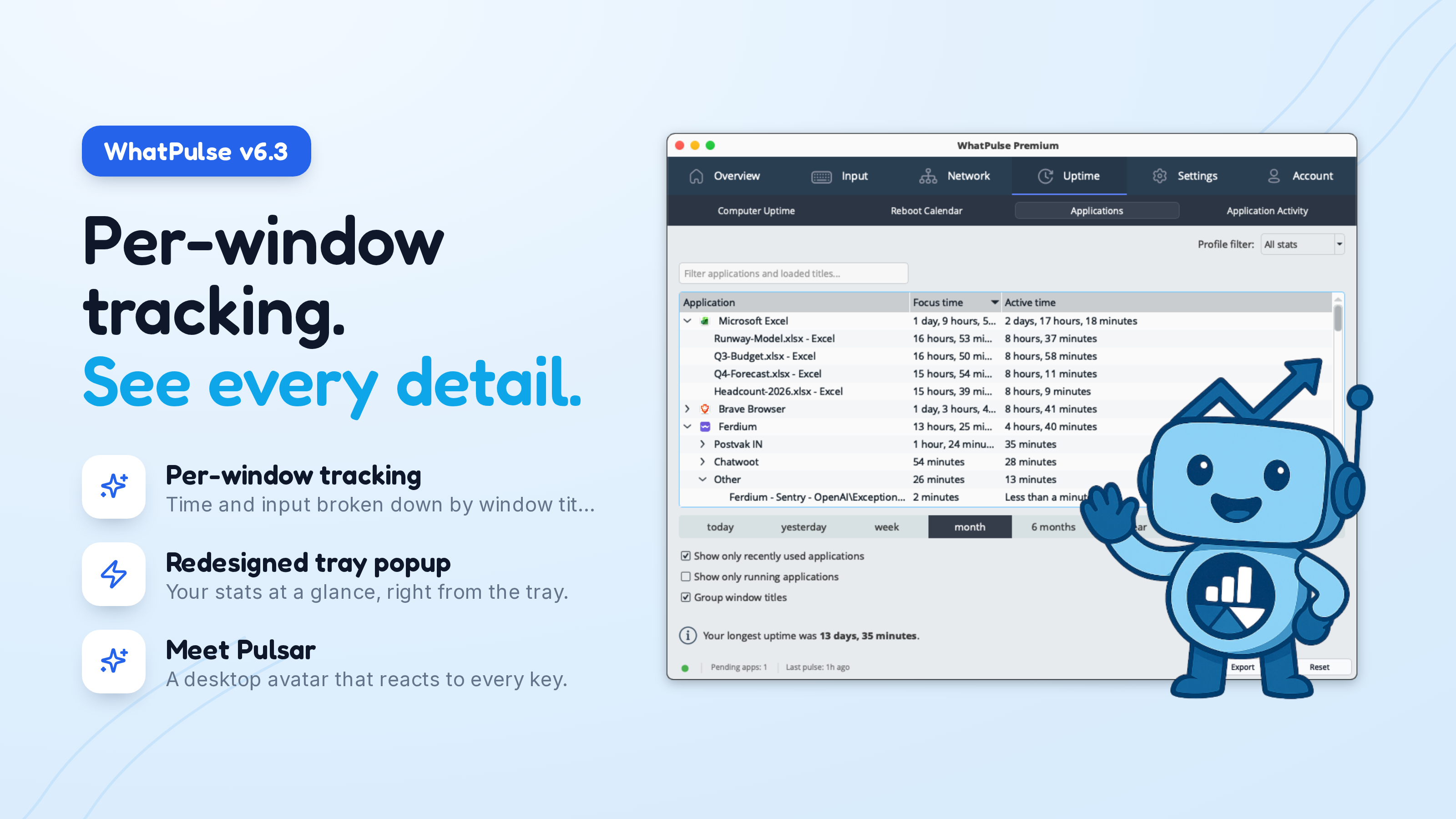
WhatPulse 6.3 tracks your time and input per window title with privacy built in, adds a redesigned tray popup, the Pulsar desktop avatar, and a big stability pass.
6 min read
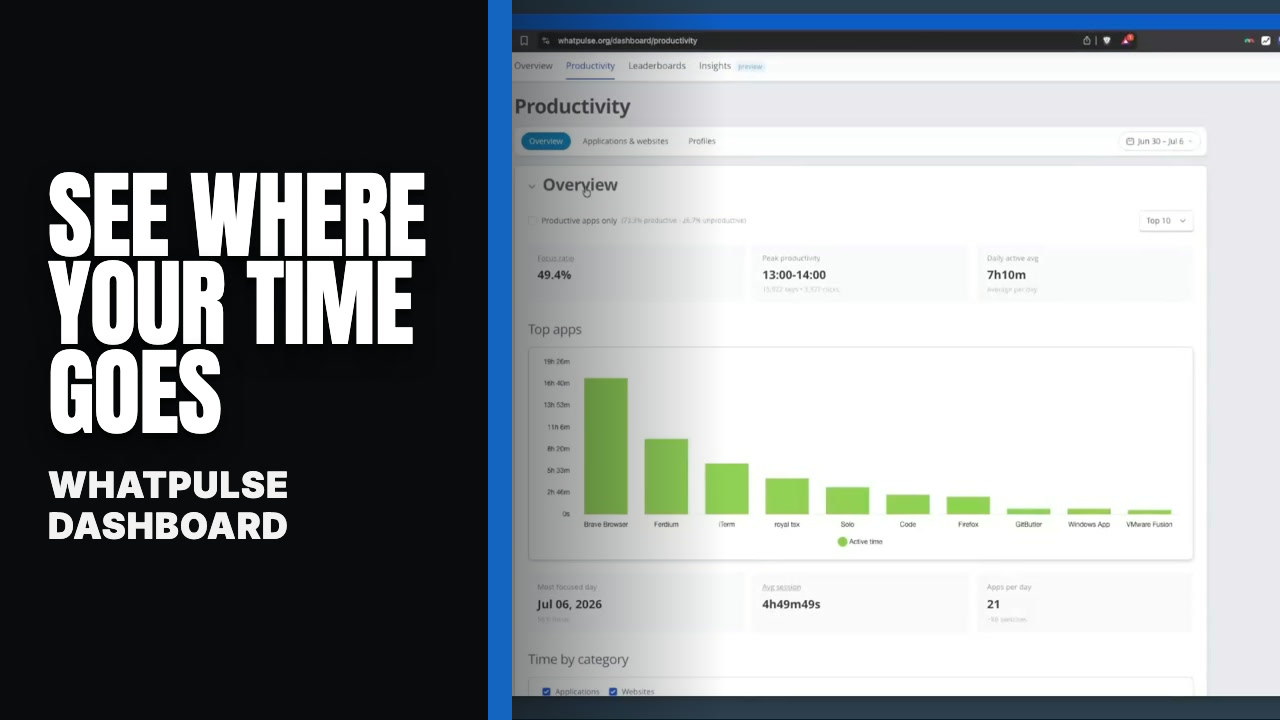
Apps and websites in one table, personal productive / not-productive overrides, a breakdown that finally reflects your choices, and columns you can pick and keep.
3 min read

See how developers spend their time on a computer with app, website, keyboard, mouse, and uptime data, plus a simple weekly review loop that actually fits.
8 min read

Is WhatPulse safe? Learn what it collects, how privacy settings work, and how to keep your data under control before you install on your computer today.
7 min read
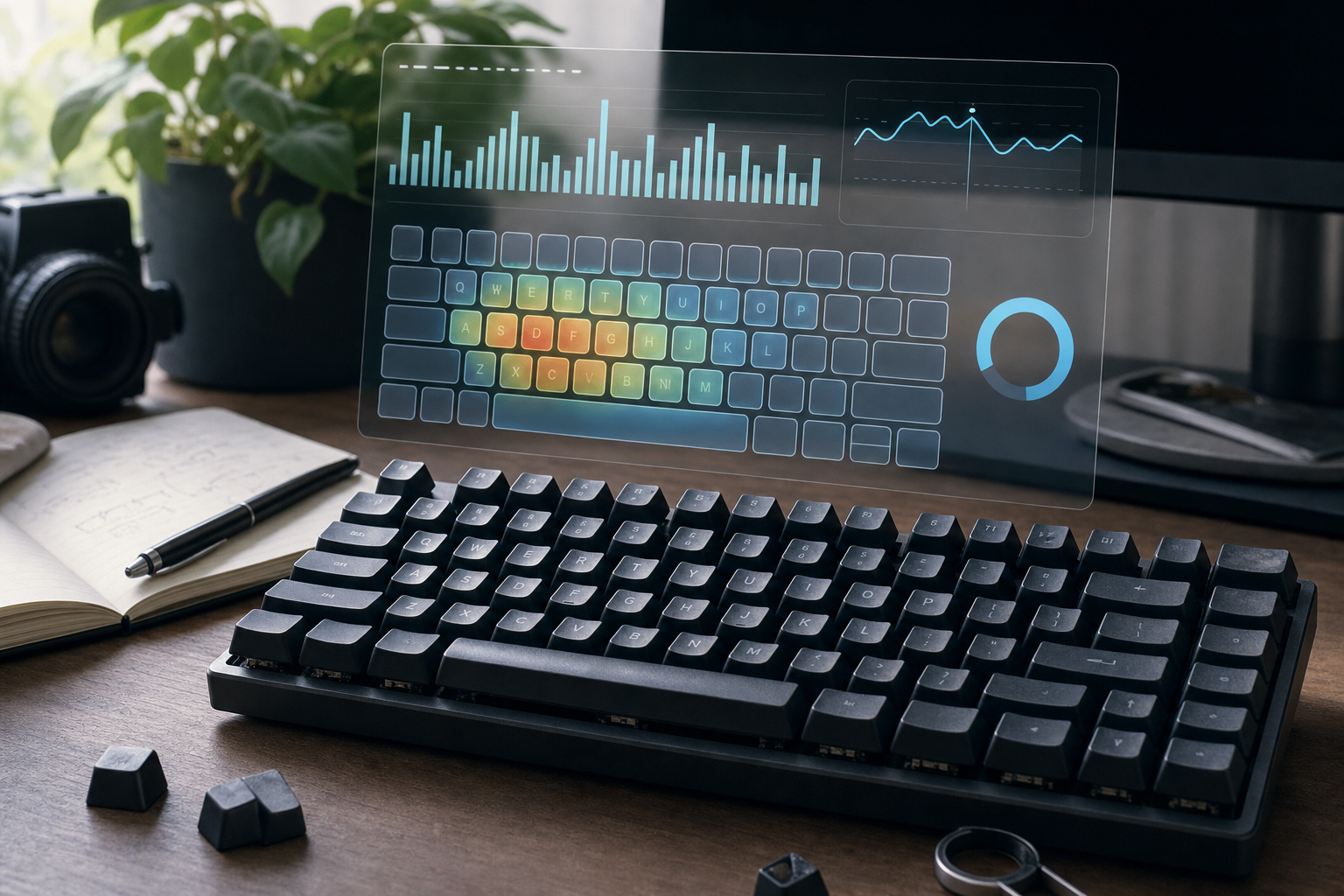
Learn how keyboard lifespan works, how many keystrokes a keyboard can handle, and how to estimate your own wear from daily WhatPulse data and heatmaps.
8 min read
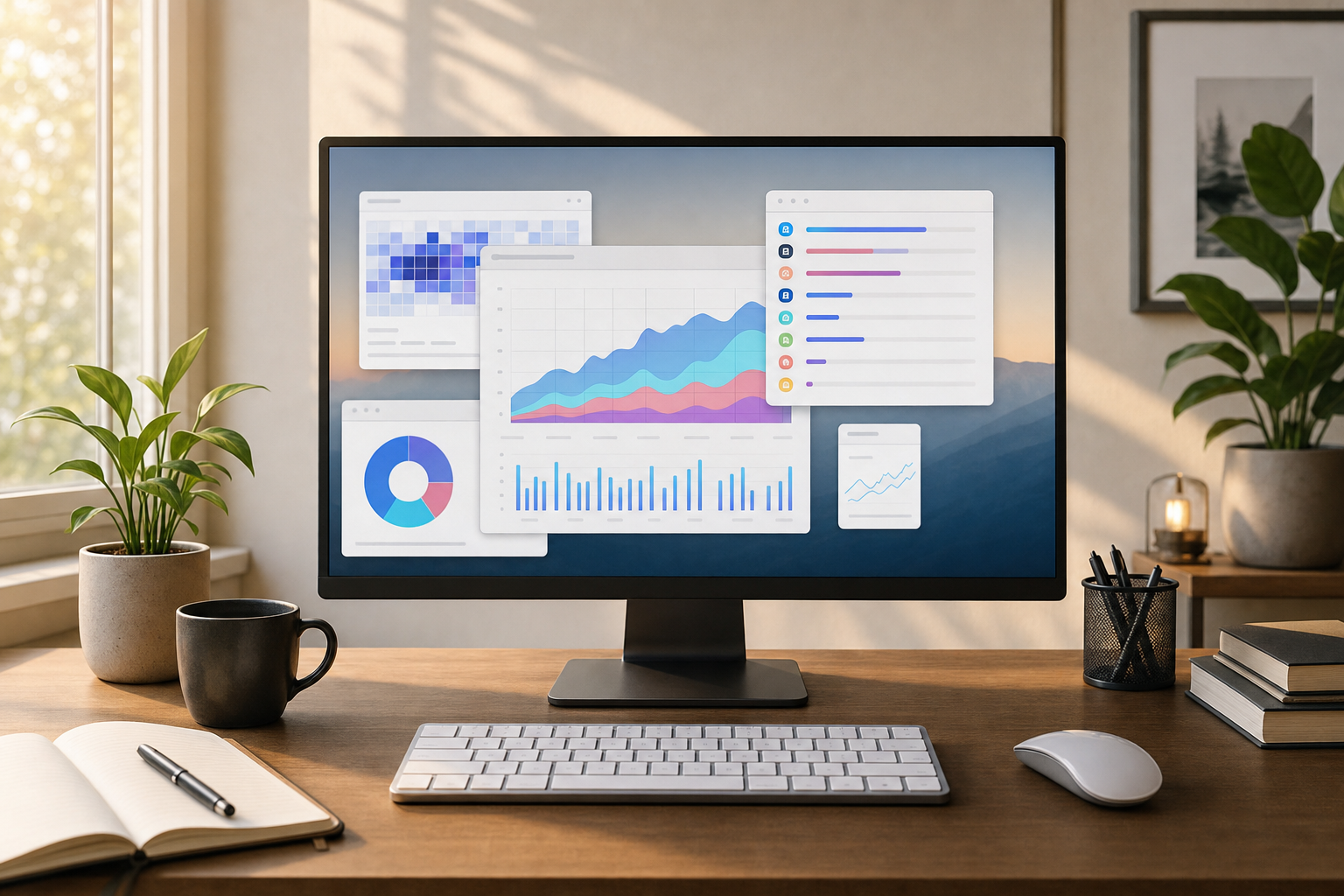
Use WhatPulse application usage data to spot distracting applications, separate work from noise, and build a weekly review that stays grounded in evidence.
8 min read
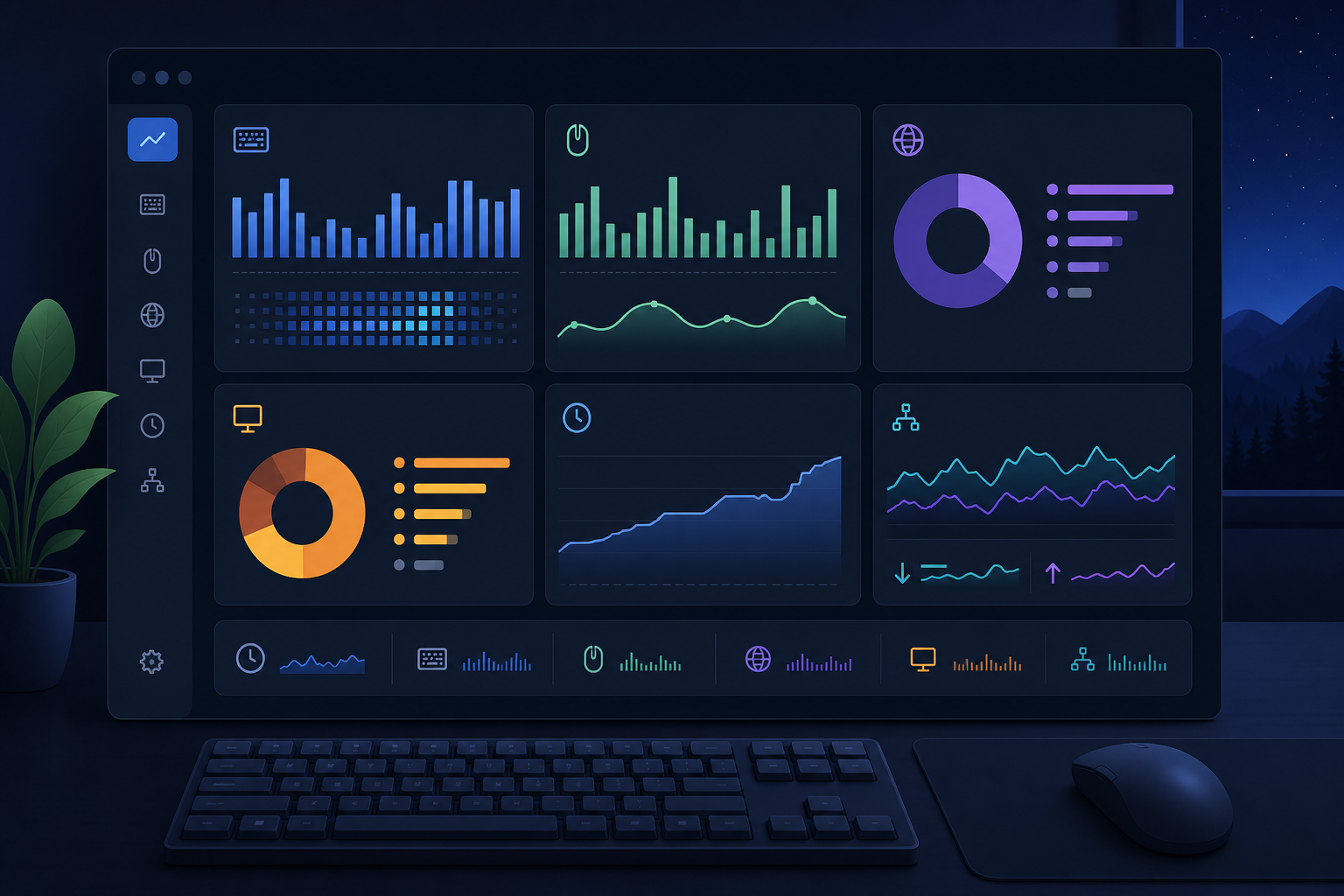
Use WhatPulse activity dashboards to review computer usage, productivity, and rankings without turning your weekly data check into another recurring task.
8 min read
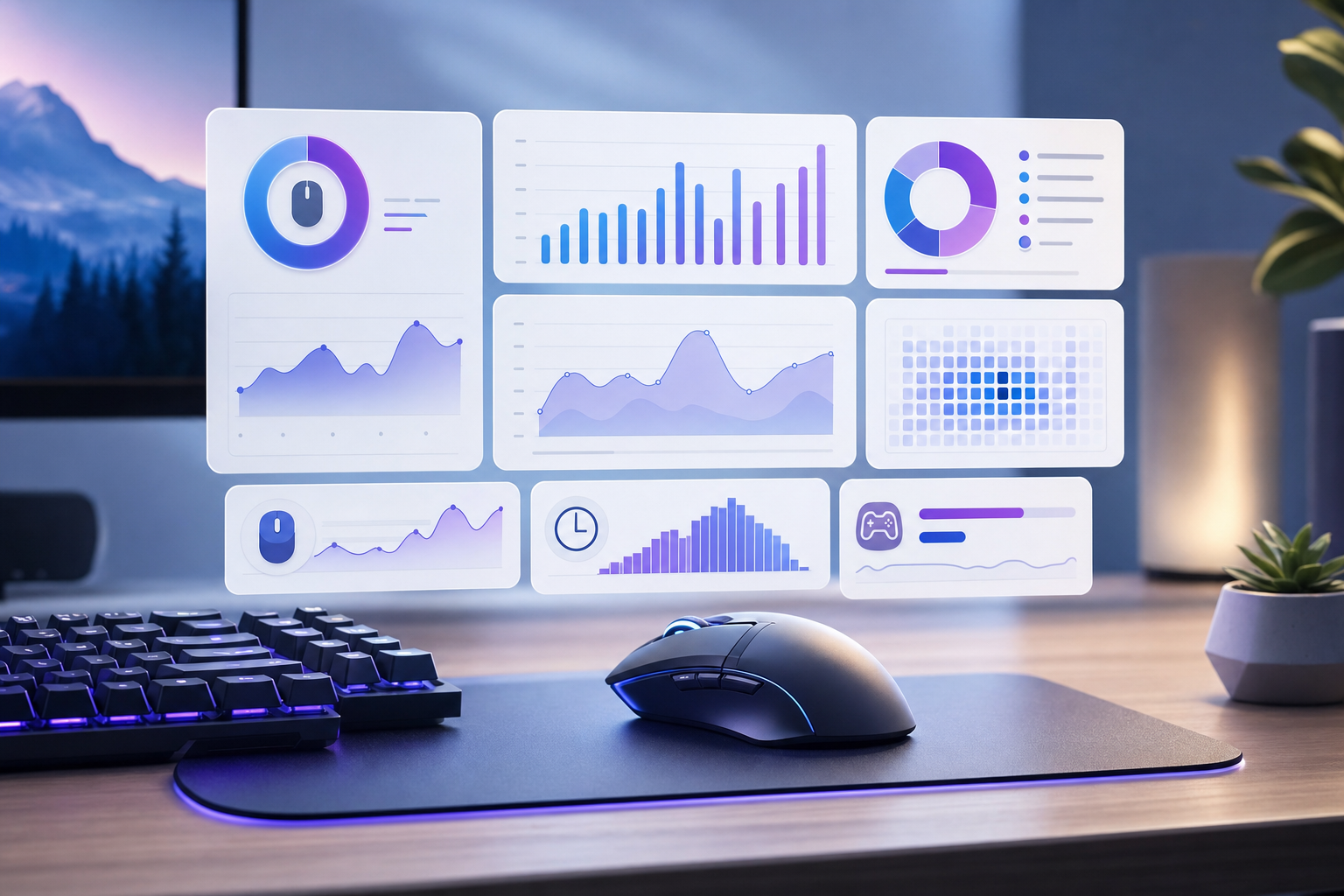
Mouse click statistics reveal work, gaming, browsing, and input patterns. Learn what to track, compare, and improve using daily activity data insights.
8 min read

Use a website usage tracker to spot attention patterns, compare habits, and change browsing routines with privacy-respecting personal analytics weekly.
8 min read
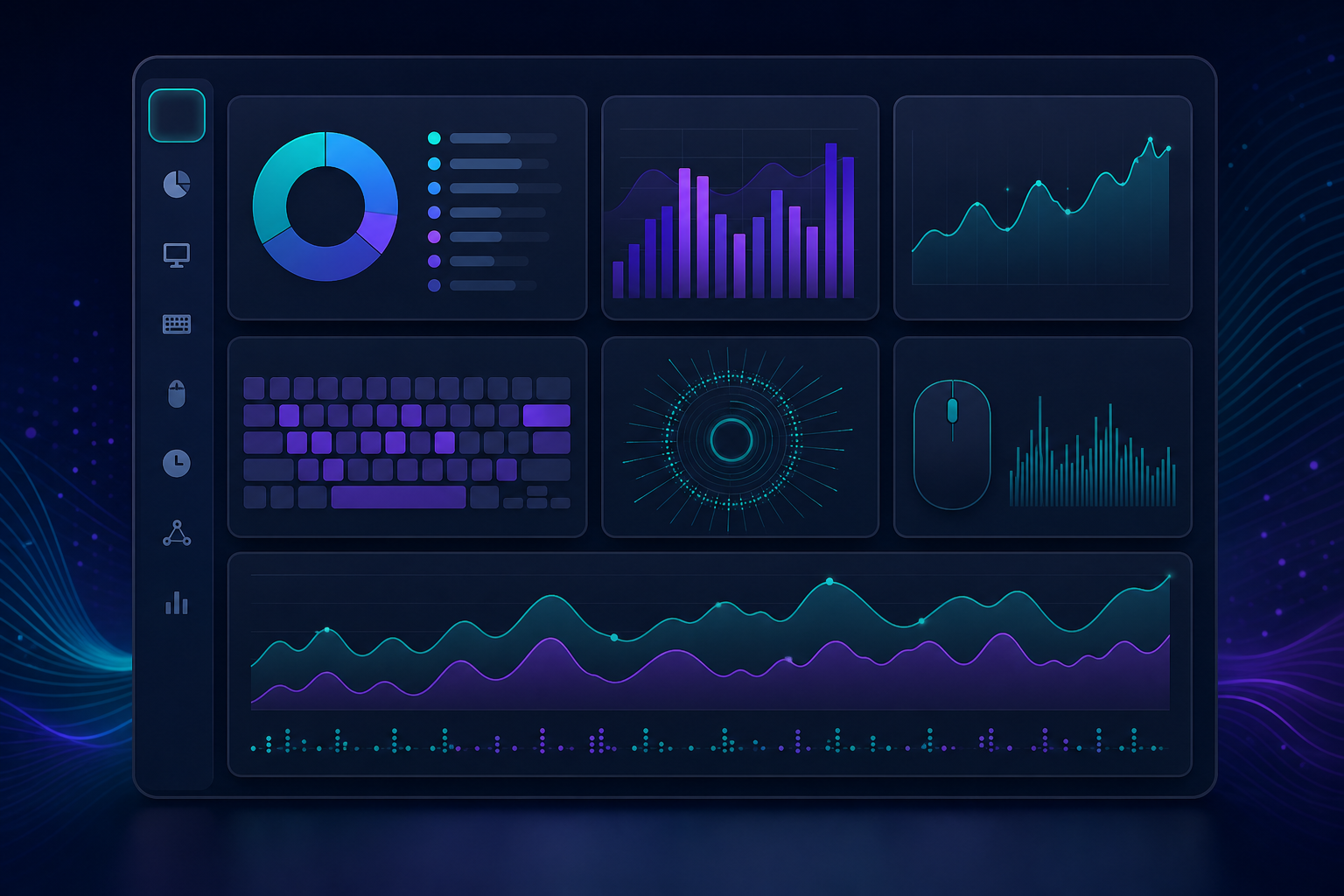
Learn how a computer usage tracker measures apps, websites, input, uptime, and network activity without creating a surveillance habit or extra workflow.
9 min read
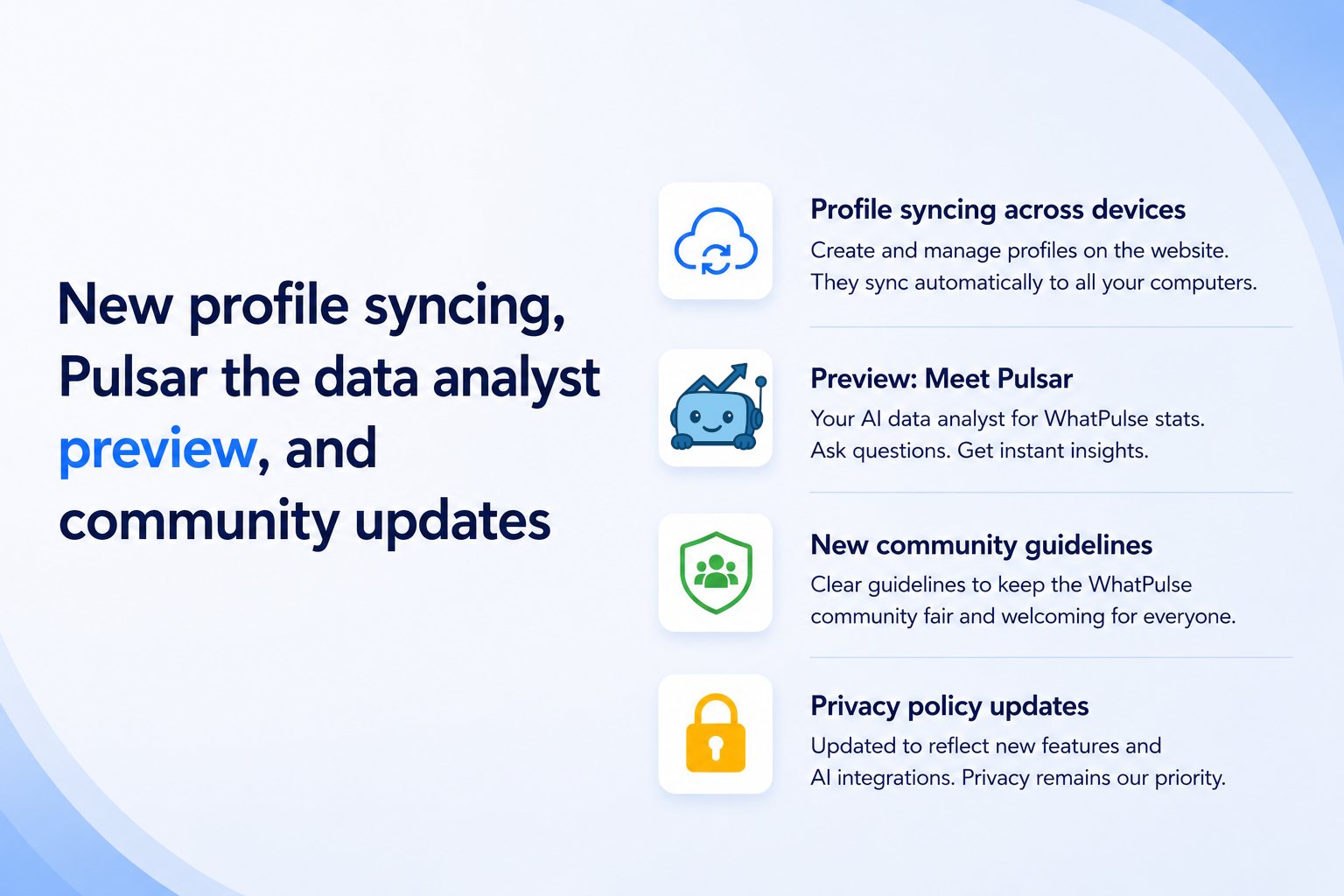
Introducing new profile syncing across devices, a preview of Pulsar - your AI data analyst for WhatPulse stats, updated community guidelines, and privacy policy updates.
3 min read
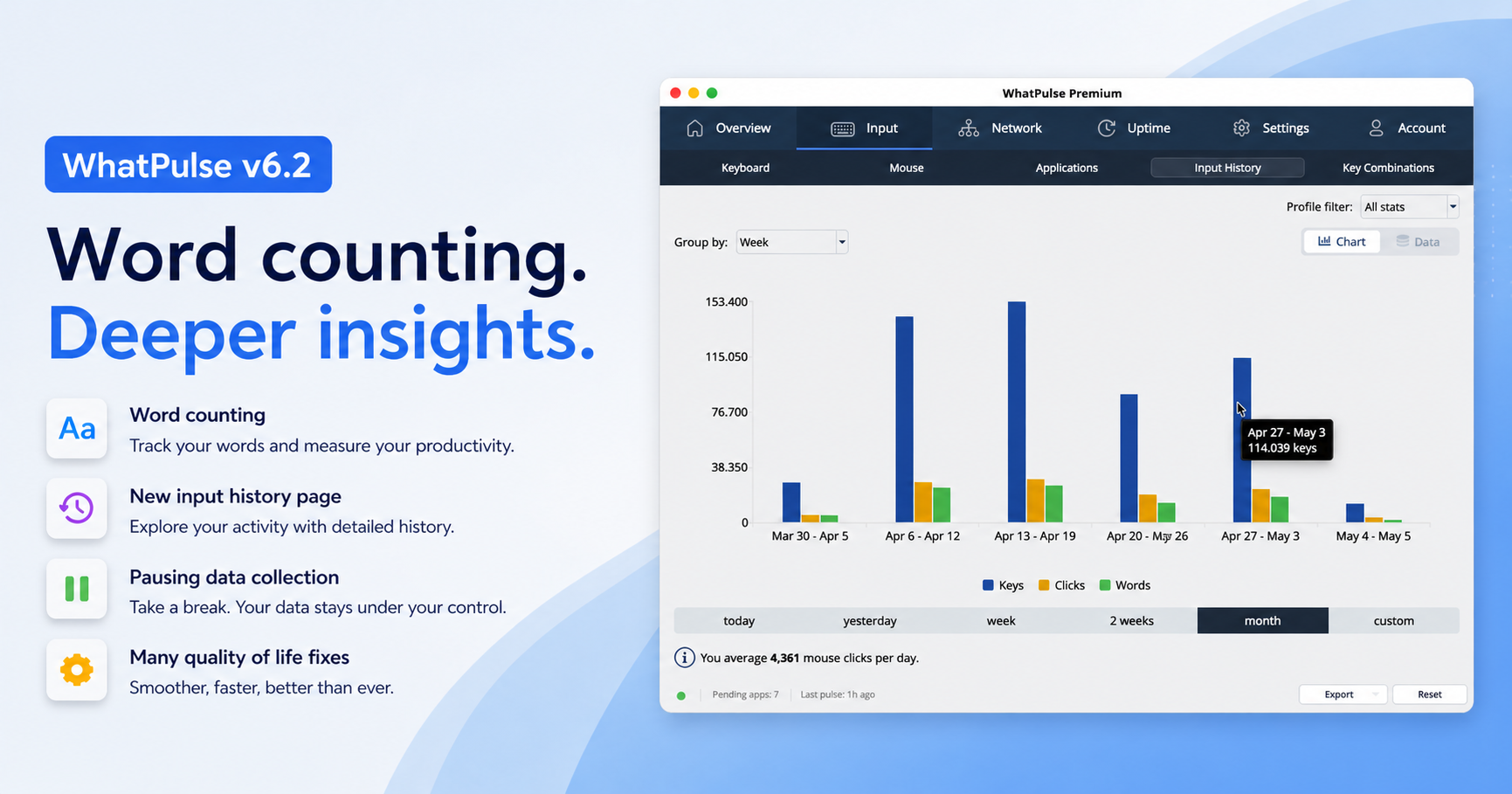
Introducing WhatPulse v6.2, packed with new features and improvements: word counting, a pause toggle for data collection, a redesigned input history page, and various UI enhancements and bug fixes.
4 min read