Download WhatPulse
Also available for
Browser extensions
The WhatPulse Web Insights browser extensions lets you track your browsing time and website visits. Available in the stores for Chrome, Firefox, Safari, and all Chromium-based browsers like Brave, Edge, and Opera.
Note: Web Insights needs a Premium subscription or trial.
Other downloads
Stream Deck plugin
Show your favorite WhatPulse statistics on your Stream Deck. Your account totals, unpulsed stats, real-time keys & clicks per second, and control WhatPulse by using a button to open the WhatPulse app, or send a Pulse directly from your Stream Deck.
Third-party apps
There are a number of third-party apps that integrate with WhatPulse, or use the API to show your stats. These apps are not developed by the WhatPulse team, but we do recommend them.
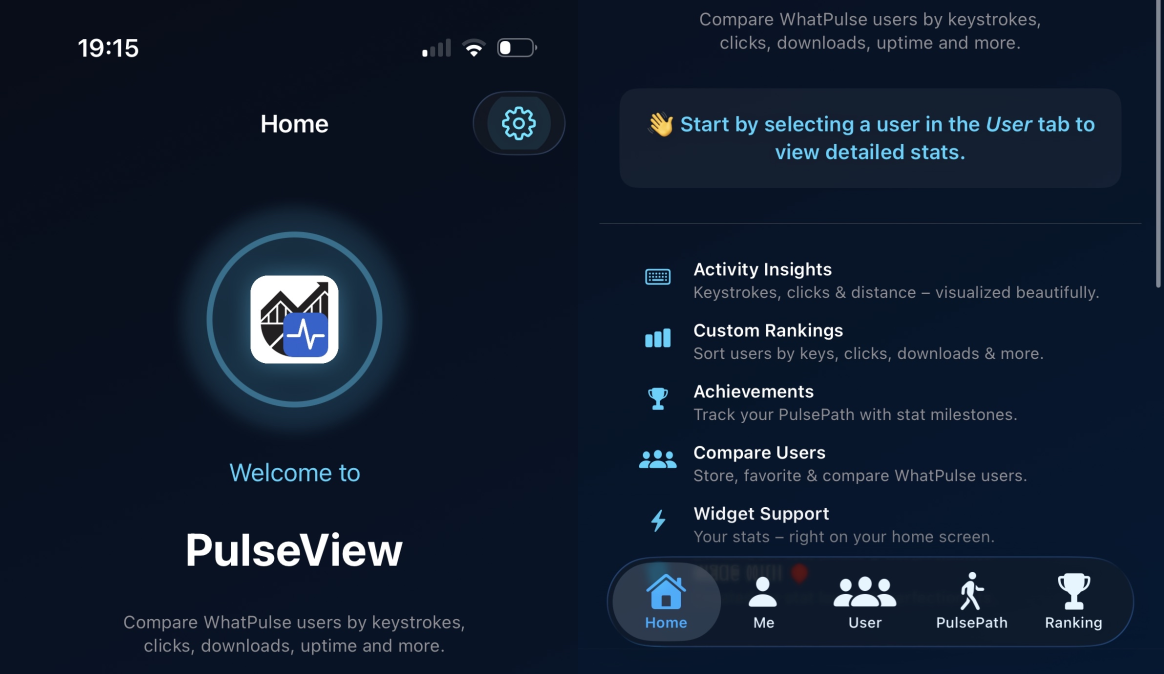
PulseView
iOS appAn elegant companion iOS app for WhatPulse. See your keystrokes, mouse clicks, uptime stats and more - right from your iPhone, iPad, Mac, or Apple Watch.
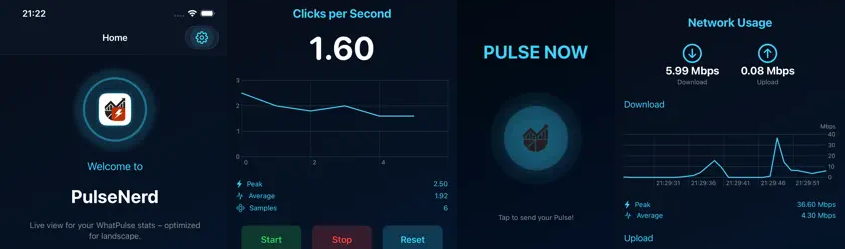
PulseNerd
iOS appPulseNerd connects to your local WhatPulse app to show real-time stats on your iPhone, iPad, or Apple Watch.
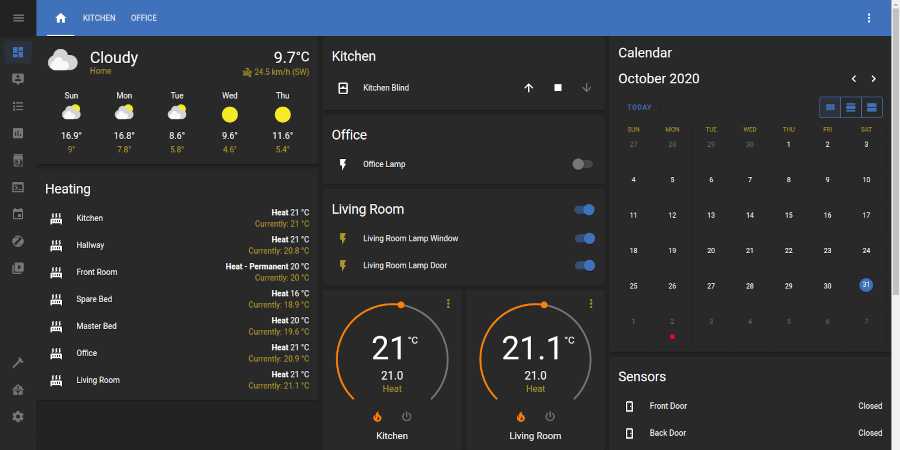
HomeAssistant component
Home automationIntegrate WhatPulse with HomeAssistant, a popular home automation platform. Create a dashboard of WhatPulse statistics and control the WhatPulse app from within Home Assistant.
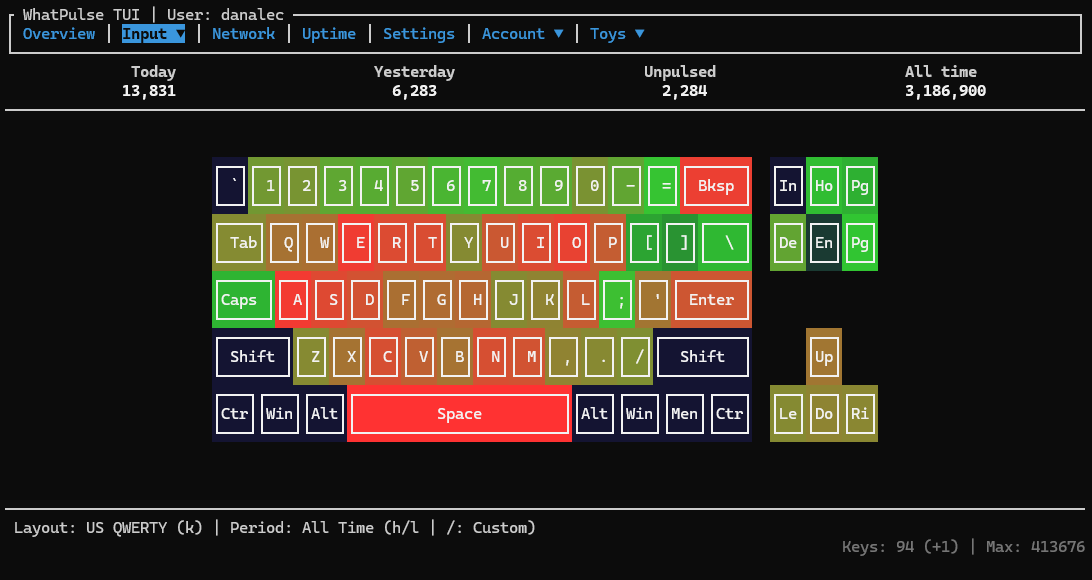
wtfpulse
Terminal appwtfpulse is a high-performance, asynchronous Rust CLI tool and TUI dashboard for WhatPulse
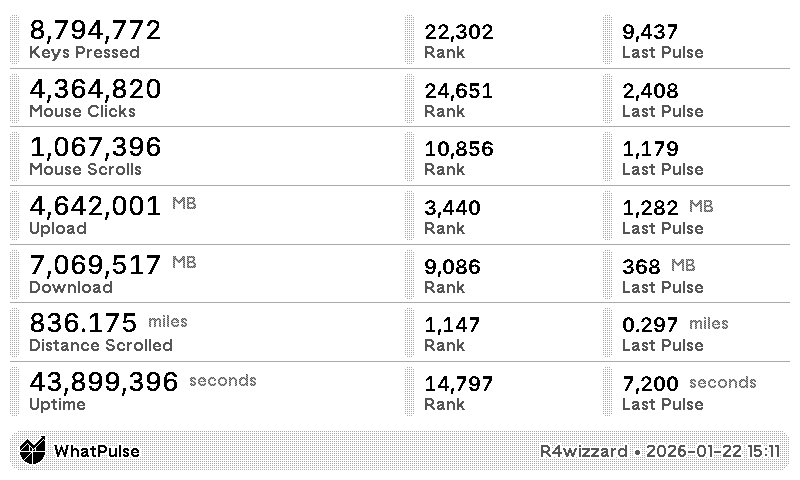
TRMNL Recipe
TRMNL is an e-ink display that can show your WhatPulse stats at a glance via a recipe.

Download WhatPulse
Available for Windows, macOS, and Linux. Plus browser extensions for Chrome, Firefox, and Safari.