Tab hoarding
The habit of keeping dozens or hundreds of browser tabs open.
Tab hoarding is the everyday name for a behaviour that has quietly become one of the defining shapes of modern computer work. It is the habit of keeping browser tabs open long past the moment they were first useful, often dozens at a time, sometimes hundreds, spread across windows that no one quite remembers opening. For some people the tab bar acts as a memory aid. For others it acts as a to-do list. For nearly everyone it eventually starts to act as a low-level source of background pressure.
This page covers what tab hoarding is, why it happens, what is known about its cognitive and emotional costs, how researchers have tried to measure it, and how it relates to the broader vocabulary of computer activity and focus.
What is tab hoarding?
Tab hoarding is the sustained accumulation of open browser tabs beyond the immediate need that opened them. The same behaviour goes by several other names. People talk about tab clutter when the visual density of the tab bar becomes the dominant feature of the browser. They talk about tabs-as-todo when the open tabs are explicitly being used as a list of things to read, finish, decide, or buy. They talk about tab overload when the volume crosses the point where the browser itself starts to struggle.
The defining trait is not the raw count of tabs but the relationship the user has with them. A person with forty tabs open who closes the lot at the end of every working session is not really hoarding. A person with eight tabs that have been open for three weeks, and that they keep glancing at without acting on, almost certainly is. Tab hoarding is best understood as a pattern of deferred decisions, where each tab represents a small unresolved intention.
Carnegie Mellon researchers writing in 2021 framed open tabs as having a cost structure that pushes in both directions at once. Tabs cost something to keep open, in attention and screen space, and they cost something to close, in the fear of losing context or having to find the page again. Tab hoarding is what happens when the second cost consistently outweighs the first.
Why does tab hoarding matter?
For most of the history of the web, tab counts were treated as a personal quirk rather than a serious topic. That has shifted as the browser has become the primary working environment for knowledge workers. When a large share of a person's day happens inside the browser, the way tabs are managed is no longer a cosmetic concern. It is part of how attention is structured.
Tab hoarding matters because it sits at the intersection of memory, planning, and attention. Tabs that are kept open as reminders compete with notes, task managers, and calendars for the same role, usually badly. Tabs that are kept open out of fear of losing a page compete with bookmarks and history. Tabs that are kept open because the user has not yet decided what to do about them become a constant background prompt to decide, without ever quite forcing the decision. The result is a slow leak of cognitive bandwidth.
There is also a downstream effect on focus. A browser bristling with tabs offers many possible next actions at all times. Even when no individual tab is demanding attention, the presence of the row itself encourages switching. Tab hoarding tends to travel with high rates of context switching, attention residue between tasks, and the sense that work is more fragmented than it really needs to be.
How is tab hoarding identified?
Tab hoarding is harder to measure than something like active time, because the signal lives inside the browser rather than at the operating-system level. The most direct measures are produced by browser extensions or by the browser itself, and they tend to focus on a small set of features.
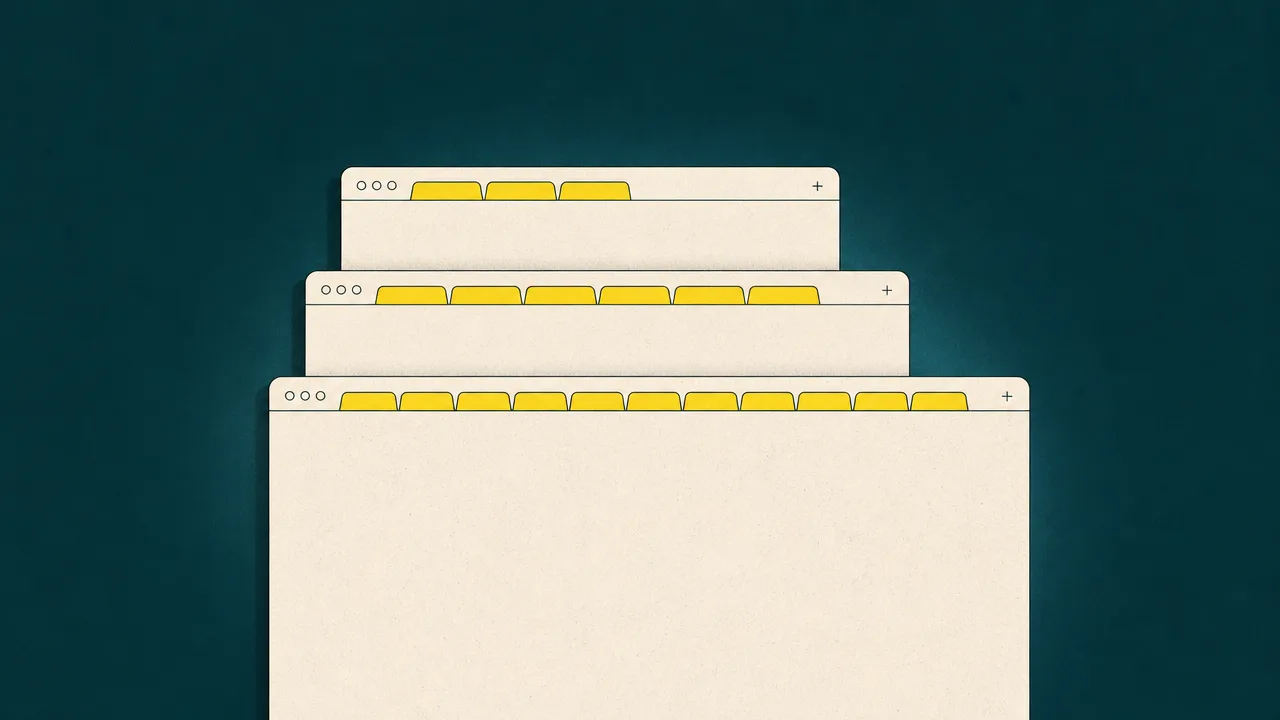
The first feature is the tab count at the start and end of each session. A user whose count drifts upward day after day, with sessions ending on a higher number than they started, is showing the classic accumulation pattern. The second feature is the age of the oldest open tab. Hoarders almost always have tabs that have been open for days, weeks, or longer, often well beyond the point where the original reason for opening them is remembered. The third feature is the ratio of focused tabs to background tabs. Heavy tab hoarders spend most of their time interacting with a small handful of tabs while many others sit idle, which is one of the signals Carnegie Mellon researchers used to characterise the behaviour.
Memory pressure can act as an indirect proxy. When a system regularly runs into swap, or when the browser starts to discard background tabs to free memory, that is sometimes the first visible symptom of an otherwise invisible habit. Browser telemetry from Mozilla and from third-party studies has historically relied on opt-in measurements of these kinds of signals to build a picture of tab use at scale.
Common benchmarks
Benchmarks for tab counts vary widely between studies, and the methodology matters a great deal. With that caveat, the most commonly cited reference points are:
- The Carnegie Mellon study "When the Tab Comes Due" (Chang et al., CHI 2021) reported that around a quarter of surveyed participants said their browser or computer had crashed at some point because of the number of tabs they had open, a useful indirect marker of severe tab hoarding.
- Earlier Mozilla Test Pilot telemetry, summarised by Patrick Dubroy and others, found a long-tailed distribution where most users sat on a small number of tabs but a meaningful minority kept very large counts open.
- Various consumer surveys from browser vendors and observers, including coverage of Vivaldi's tab-management features, describe roughly a quarter to a half of heavy users routinely keeping more than twenty tabs open at once, with a smaller group regularly passing one hundred.
- Research on working memory has long suggested that the brain can comfortably hold something on the order of seven items at a time, give or take, which is one reason the visible tab bar becomes hard to scan well before it is technically full. The exact figure is contested, but the order of magnitude is consistent.
These numbers should be read as orientation rather than targets. They describe populations, and an individual's own trend over time is almost always more informative than any single benchmark.
Examples
A few worked examples illustrate how tab hoarding shows up in practice.
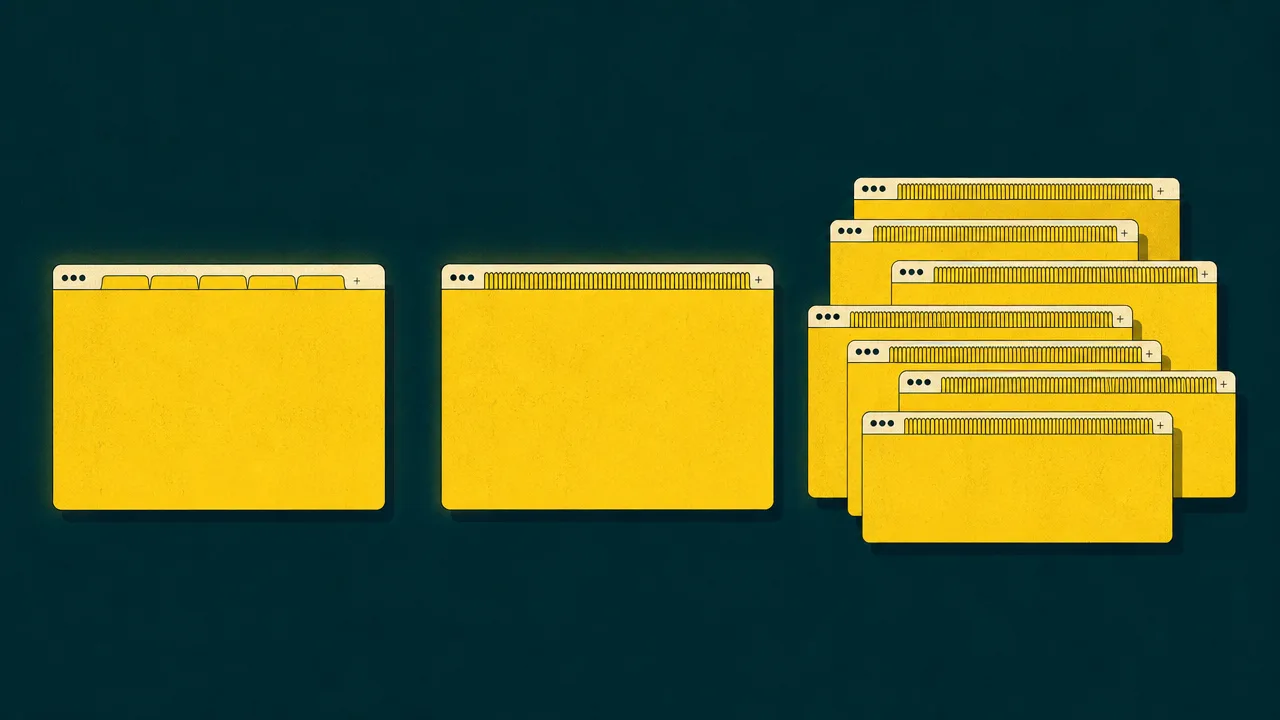
A researcher opens fifteen tabs during a literature search, intending to skim them later. Three days later the tabs are still open, joined by twelve more from a separate project. By the end of the week the window has forty-something tabs, none of which can be closed without a small flash of guilt, because each one represents something the researcher still half-intends to read. The tabs have become a backlog of obligations rather than a tool for the task that opened them.
A product manager uses pinned tabs for email, the team chat, the project tracker, and a couple of dashboards. Beside those sit twenty or so tabs from ad-hoc browsing during the day. The pinned tabs are doing useful work. The trailing tabs are mostly there as evidence of intent, things the manager planned to circle back to but has not yet. This is the tabs-as-todo pattern at its most ordinary.
A student keeps a window of around eighty tabs open across two laptops. Most have been open for weeks. Memory pressure is high, the laptops occasionally crash, and the student has stopped opening that window first thing in the morning because the sight of it is unwelcoming. The tab count is no longer aiding any task. It has become a low-level source of stress that the student is now actively avoiding.
Misconceptions
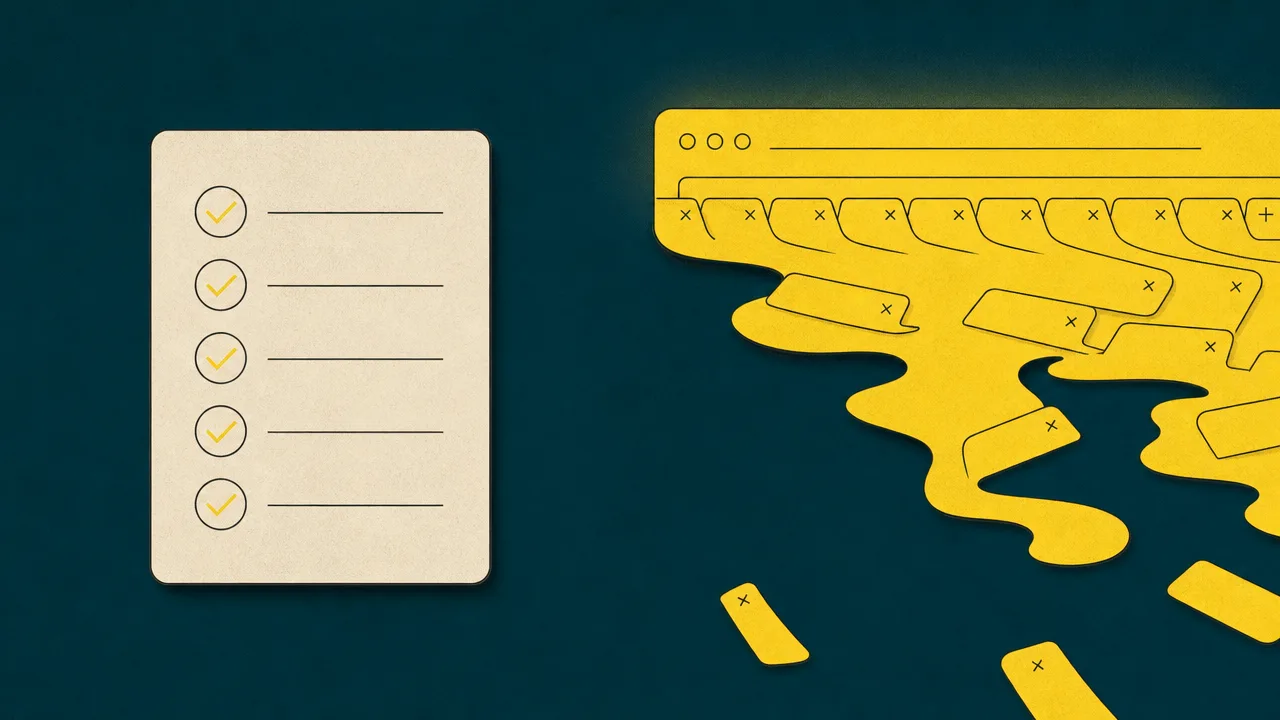
The most common misconception is that tabs and to-do lists are interchangeable. They are not. A to-do list is a deliberate, ordered representation of intent. A tab bar is a side effect of browsing. Using one as the other is convenient in the short term but produces a list with no priorities, no due dates, and no easy way to mark anything done. The Carnegie Mellon study found that people were aware of this on some level and still did it anyway, because tabs were more visible and more immediately accessible than the alternatives.
A second misconception is that tab-suspender extensions, vertical-tab interfaces, or tab-group features solve tab hoarding. They reduce some of the symptoms, particularly the memory and CPU costs, and they make large tab counts easier to look at. They do not change the underlying habit of deferring decisions about what to do with each tab. A tidier hoarding pattern is still a hoarding pattern.
A third misconception is that the cost of an open tab is mostly technical. On modern hardware, browsers suspend background tabs aggressively, and the memory footprint of an idle tab is far smaller than it was five or ten years ago. The cost that remains is cognitive and emotional. Each open tab is a small open loop that the brain treats as unfinished business, regardless of how little memory the tab is using.
Related concepts
Tab hoarding sits in a cluster of behaviours and metrics that describe how attention is fragmented across modern computer use. Understanding it usually means understanding the others.
- Context switching: the cost of moving attention between tasks, of which tab switching is one specific case.
- Application usage: how time is distributed across applications, including the browser as a whole.
- Digital overload: the broader sense of having more open inputs and obligations than attention can serve.
- Focus fragmentation: the breaking up of long focus stretches by small switches, including reaching for another tab.
- Foreground application: the application currently receiving input, against which active time is attributed.
- Attention residue: the lingering cognitive load of a previous task after switching away from it.
- Notification fatigue: the dulling of response to alerts, often worsened by many open sources at once.
- Doomscrolling: compulsive consumption of low-value content, often spread across many tabs.
- Workday fragmentation: the structural breaking of a working day into short, switch-heavy intervals.
Tracking tab hoarding
Tab counts themselves live inside the browser, so a desktop activity tracker cannot see them directly. What a tracker like WhatPulse can see is the shape of browser use around the habit. It records how much time the browser sits in the foreground, how that time is distributed across the day, how often the browser is switched to from other applications, and how active time inside the browser compares with active time elsewhere. None of those signals count tabs, but together they paint a useful picture of how dominant the browser is as a working surface.
That indirect view is often enough to surface the habit. People who hoard tabs tend to spend a large share of their day in the browser, with frequent short visits interleaved with other applications. The application-usage and context-switching numbers tend to confirm what the tab bar is already showing. If those numbers trend upward over weeks and months while focus time trends downward, tab hoarding is a reasonable hypothesis even without a tab count.
For a direct count, a browser-specific tool is required, whether that is built into the browser itself, a tab-management extension, or a research instrument like the ones used in the Carnegie Mellon studies. The most useful pairing in practice is a desktop tracker that frames the broader pattern of computer use, together with whatever tab-level signal the user is comfortable collecting from inside the browser.
Frequently asked questions
How many tabs counts as tab hoarding?
There is no formal threshold. Most surveys of heavy tab users describe people sitting on twenty or more open tabs at a time, and the CMU 2021 study highlighted users who routinely passed one hundred. A useful working definition is keeping tabs open beyond the session in which they were first opened.
Is tab hoarding a sign of being disorganised?
Not necessarily. Carnegie Mellon researchers found that many tab hoarders are deliberately using tabs as a visible task list, because tabs are easier to find than bookmarks and harder to forget than notes. The behaviour is often rational at the local level even when it is costly overall.
Do open tabs actually slow down a modern computer?
Modern browsers suspend or discard background tabs aggressively, so the memory cost of an idle tab is much lower than it used to be. The real cost of tab hoarding for most people is cognitive and emotional, not technical.
Will tab-suspender extensions solve the problem?
Suspender extensions reduce memory and CPU use, but they do not address why the tabs were kept in the first place. If the underlying behaviour is using tabs as a to-do list, suspending them simply hides the same backlog.
Why do I feel anxious when I close a tab?
The CMU research describes this directly. Participants reported a fear of losing access to information they might want later, and emotional attachment to tabs that represented unfinished tasks. Closing a tab can feel like discarding an obligation, even when the obligation has already lapsed.
Are vertical tabs or tab groups a real fix?
They help with visibility and organisation, which can reduce some of the friction of large tab counts. They do not by themselves change the habit of keeping tabs indefinitely, so the underlying tab hoarding pattern can persist inside a tidier interface.
Does tab hoarding affect focus?
Indirectly, yes. A long tab bar is a constant invitation to switch, and each open tab is a small open loop competing for attention. Tab hoarding tends to correlate with frequent context switching, even when individual tabs are not actively in use.
Can desktop activity trackers count my browser tabs?
Most cannot. Tools like WhatPulse measure operating-system-level signals such as foreground application, active time, keystrokes, and clicks. They can tell you how long you spent in the browser, but counting tabs requires a browser extension with explicit access to tab state.
Conclusion
Tab hoarding is a small habit with a long reach. Each individual tab is cheap to keep open, both technically and cognitively, which is exactly why the pattern grows. The cost only becomes visible once the tab bar has become a backlog, the oldest tabs have aged out of memory, and the browser has quietly turned into the place where unfinished intentions accumulate. The Carnegie Mellon work on browser-tab cost structures, and the design experiments that followed it, are useful precisely because they make those costs nameable.
Treated as one signal among several, alongside active time, application usage, context switching, and focus fragmentation, tab hoarding is a reasonable proxy for how cleanly a person's attention is structured during the working day. It is not a moral failing and it is not a configuration problem. It is a pattern, and like most patterns, it is easier to change once it has a name.