Keystrokes
Individual key presses, the rawest signal of typing activity.

Keystrokes are the simplest and most direct measurement a computer-activity tracker can produce. Every time a key is pressed, the operating system emits an event, and a tracker that is listening can record it. The running total is a clean, unambiguous number: how many key presses happened, in what window of time, against which application. It is the rawest signal of typing activity, with none of the interpretation layered on top of metrics like active time or focus time.
This page covers what a keystroke is in the technical sense, how counts are gathered, what typical volumes and speeds look like, where the metric is genuinely informative, and where it tends to mislead when read as a stand-in for effort or output.
What is a keystroke?
A keystroke is a single press of a key on a physical or virtual keyboard, registered by the operating system as a discrete input event. From the perspective of an application, the press and the release are usually two separate events. Most trackers count the press, which gives one keystroke per physical action regardless of how long the key was held.
That definition deliberately includes more than the letters. Spaces, returns, tabs, backspaces, arrow keys, function keys, and modifier keys like Shift, Ctrl, Alt, and the Command key are all keystrokes. Typing a single capital letter usually registers as two events, one for Shift and one for the letter, even though it looks like one motion to the typist. Trackers differ on whether they count modifiers, which is a minor source of variation between tools.
The metric is intentionally low level. It does not know whether a keystroke produced a letter in a document, navigated a menu, fired a keyboard shortcut, or cancelled a dialog. All of those are equal in the count. The richness comes from combining keystrokes with the foreground application, so that the same number can be sliced by where the typing happened.
Why do keystrokes matter?
Keystrokes are the foundation underneath nearly every typing-related metric. Words per minute, keystrokes per minute, typing accuracy, and input intensity are all derived from the same underlying stream of key events. If the count is reliable, the derived numbers are too. If the count is wrong, every metric built on top of it drifts with it.
Beyond typing benchmarks, keystroke counts are useful as a long-term trend signal. Most people have a surprisingly stable daily typing volume across normal workweeks, and large swings often line up with something concrete: a writing-heavy project, a stretch of meetings, a switch to a more visual tool, or a period of higher revision. Watching keystrokes alongside application usage and active time tends to surface those shifts earlier than memory does.
Ergonomic research has also used cumulative keystroke counts as one input when looking at musculoskeletal risk. The Wellnomics white paper on keystrokes and musculoskeletal disorders, and a prospective cohort study published via the NIH, both report that sustained high keystroke rates correlate with greater discomfort, with rates above roughly 160 keystrokes per minute, or about 9,600 per hour, flagged as elevated. The direction of effect is consistent across studies even though the absolute thresholds vary.

How are keystrokes counted?
The mechanism is the same across platforms. The tracking software subscribes to the operating system's input events through whichever low-level interface is available, listens for keyboard events, and increments a counter for each event it receives. The counter is attributed to the foreground application at the moment of the press, which is how the tool can later report keystrokes per application.
The interesting subtleties live in what counts as one event. Auto-repeat, triggered when a key is held down, fires repeated press events at a rate the operating system controls. Most trackers count each of those repeats. Dead keys used to type accented characters can produce one or two events depending on the input method. International input methods, particularly for Chinese, Japanese, and Korean, often translate many raw key presses into a single composed character; the keystroke count reflects the raw presses, not the composed result.
Programmatic input, including password managers, text expanders, and accessibility tools, usually arrives as synthesised keyboard events and is counted the same as a human press. Clipboard pastes, by contrast, are delivered through a separate paste event and do not increment the keystroke counter, which is why a long paste can be invisible in the metric even though a large amount of text appeared on screen.
All of this happens locally on the device. No content is captured by a well-designed tracker; only the timing and target application of each event. WhatPulse, for example, records the count and the foreground application but never the keys themselves, which keeps the metric useful without the obvious privacy cost of true keylogging.
Common benchmarks
Several reasonably well-sourced reference points exist for typing volume and speed. They should be read as ranges, since methodology, sample, and equipment all shift the numbers, but the order of magnitude is consistent across studies.
- Average typing speed on a physical keyboard sits between roughly 42 and 52 words per minute. Aalto University's 2018 study of 136 million keystrokes across more than 168,000 people put the average at around 52 WPM; cross-language data from 10FastFingers and similar online tests lands closer to 42 WPM.
- Converting at the standard five keystrokes per word, that range corresponds to about 210 to 260 keystrokes per minute of sustained typing, or roughly 12,600 to 15,600 keystrokes per hour when typing continuously.
- Beginners typically type between 20 and 30 WPM. Proficient typists reach 60 to 80 WPM. Speeds above 80 WPM place a typist in roughly the top 15 percent; speeds above 100 WPM are uncommon enough to be considered exceptional.
- Professional data-entry standards generally expect at least 10,000 keystrokes per hour, with competitive roles often requiring 12,000 KPH or more. Numeric keypad work usually sits between 7,000 and 10,000 KPH.
- Daily keystroke totals for office workers vary enormously by role. One occupational-health study reported an average of around 15,950 keystrokes per day with substantial variation; popular industry estimates put a typing-heavy day in the 40,000 to 60,000 range. Reliable population-wide figures are surprisingly hard to come by, so these numbers are best treated as order-of-magnitude guides rather than precise norms.
- World records sit far above any plausible day-to-day pace. Stella Pajunas typed 216 WPM on an IBM electric typewriter in an official 1946 test in Chicago. Barbara Blackburn was listed in Guinness from 1976 to 1986 as sustaining 150 WPM for nearly an hour and peaking around 170 WPM on the Dvorak layout, with a self-reported peak of 212 WPM. Guinness later dropped electronic-keyboard typing records over verification concerns.
The right comparison for any individual is almost always their own trend rather than these benchmarks. They are useful for sanity-checking but not for ranking.
Examples
A few worked scenarios show how keystroke counts behave under different working styles.
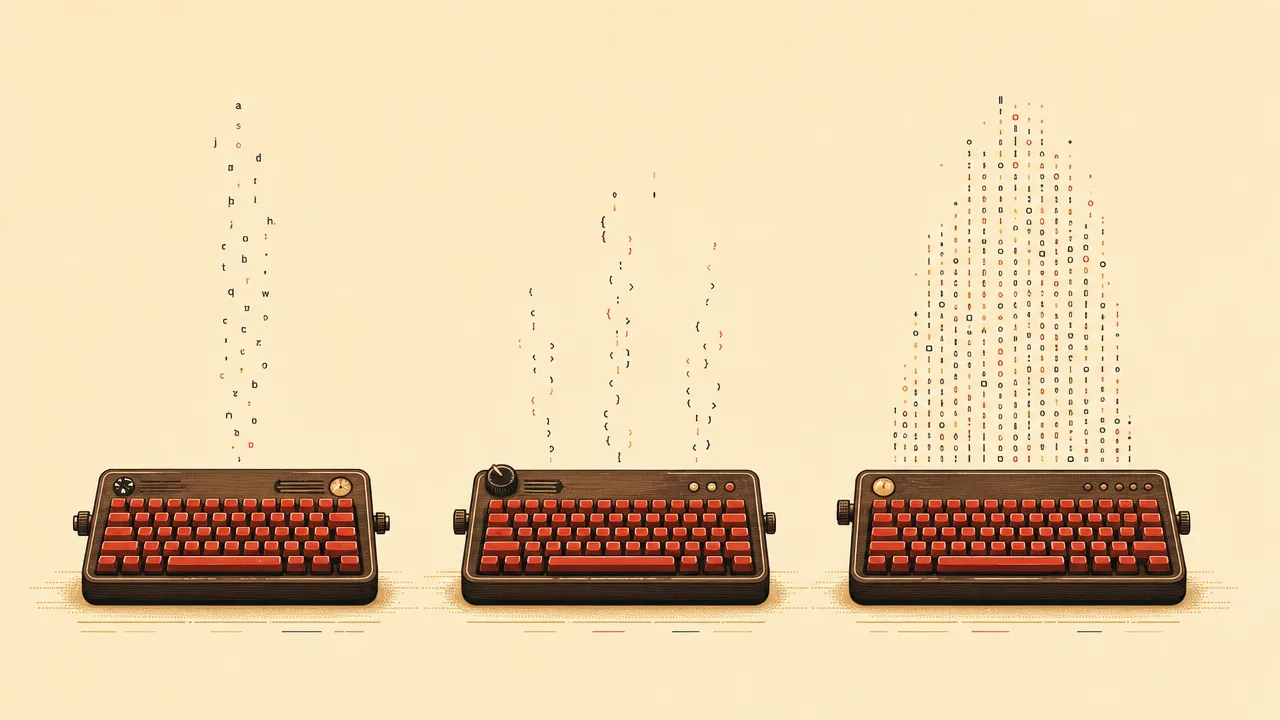
A novelist drafting a chapter spends three focused hours at the keyboard, typing at roughly 55 words per minute when the prose is flowing and pausing frequently to think. Their actual time at speed is closer to ninety minutes across the session. At about 275 keystrokes per minute while typing, that produces roughly 25,000 keystrokes from the writing itself, plus a few thousand more from edits, backspaces, and navigation. The keystroke profile is steady and uniform, with long stretches of consistent rhythm.
A software developer spends the same three hours in their editor and terminal. Most of the time is spent reading code, running tests, and reviewing diffs, with short bursts of intense typing when an idea crystallises. Their keystroke total for the morning might land around 6,000 to 10,000, far below the novelist, even though the work is just as demanding. The profile is spiky: long quiet stretches punctuated by dense flurries.
A data-entry operator working a steady shift at 12,000 keystrokes per hour will register roughly 36,000 keystrokes in the same three hours, with very little variation between minutes. Their profile is the flattest of the three, a high, even line through the session. Across a full workday, a sustained pace at this level can easily produce 80,000 to 100,000 keystrokes, near the upper end of what occupational-health research considers a high-exposure day.
Misconceptions
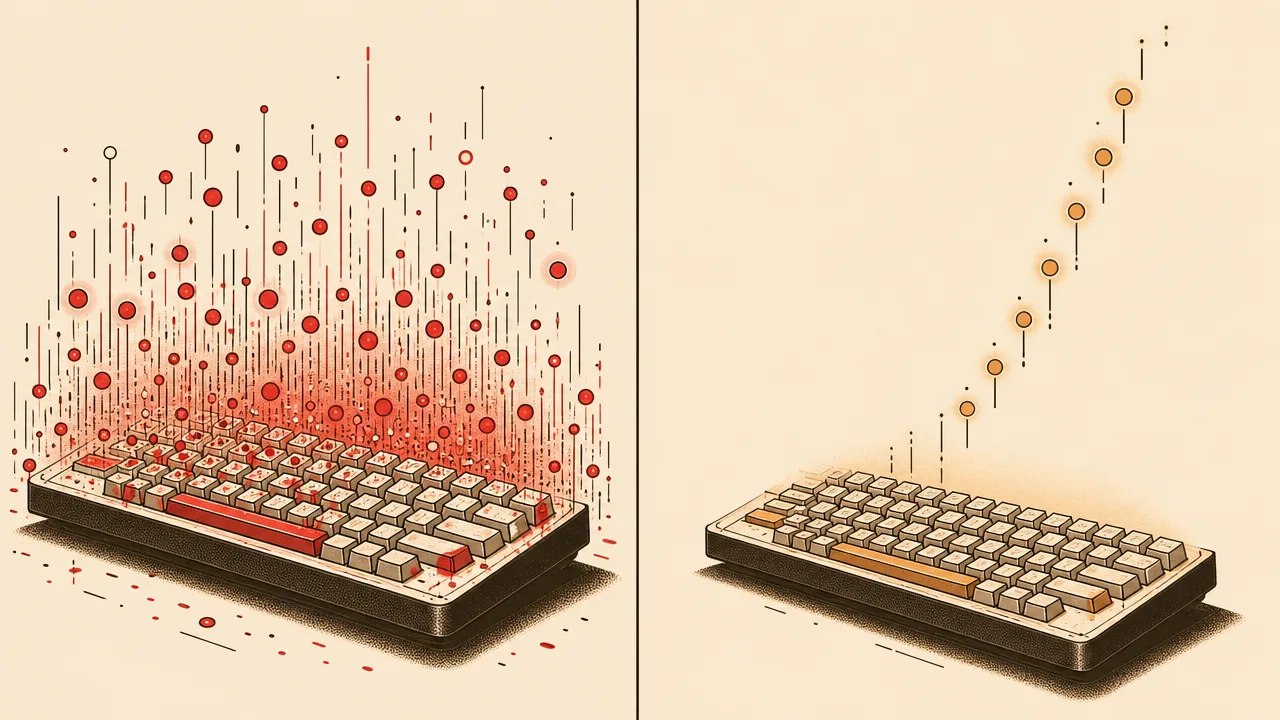
The most common misreading of keystrokes is treating them as a measure of productivity. A high count confirms that a lot of typing happened, nothing more. Some of the most valuable work, including reading, thinking, designing, and reviewing, produces few keystrokes. Some of the least valuable work, including shallow chat exchanges and reactive email churn, produces a great many. Ranking people or days by keystroke volume tends to reward visible busyness over substance.
A second misconception is that keystroke counts are a faithful proxy for words typed. Backspaces and revisions can easily double the keystroke total of a finished sentence. Code, with its punctuation, brackets, and keyboard shortcuts, has a much lower words-per-keystroke ratio than prose. Two people with identical output can have very different keystroke counts depending on how they work.
A third is that recording keystroke counts is the same as keylogging. Counting key events does not require capturing them. A tracker that tallies the number of presses, the timing, and the active window, but never the key codes themselves, is recording behavioural metadata, not content. Tools differ widely on how they handle this, and the distinction is worth checking before installing anything.
Related concepts
Keystrokes sit at the centre of a small cluster of metrics that describe input behaviour and the wider context around it. Most of the names below appear elsewhere in the encyclopedia.
- Input activity: the combined stream of keystrokes and mouse events used to detect active time.
- Mouse clicks: the equivalent count for pointer activity, often reported alongside keystrokes.
- Keyboard heatmap: a visualisation of which keys account for the most presses over a period.
- Input intensity: the rate of input events per unit of active time, blending keystrokes and clicks.
- Application usage: the breakdown of time and input by foreground application.
- Active time: the duration during which input is being provided, including keystrokes.
- Idle time: the complement of active time, when no keystrokes or clicks register.
- Foreground application: the application credited with each keystroke as it happens.
- Session length: the duration of a continuous run of typing or input.
- Productivity metrics: higher-level interpretations built on top of raw counts like keystrokes.
Tracking keystrokes
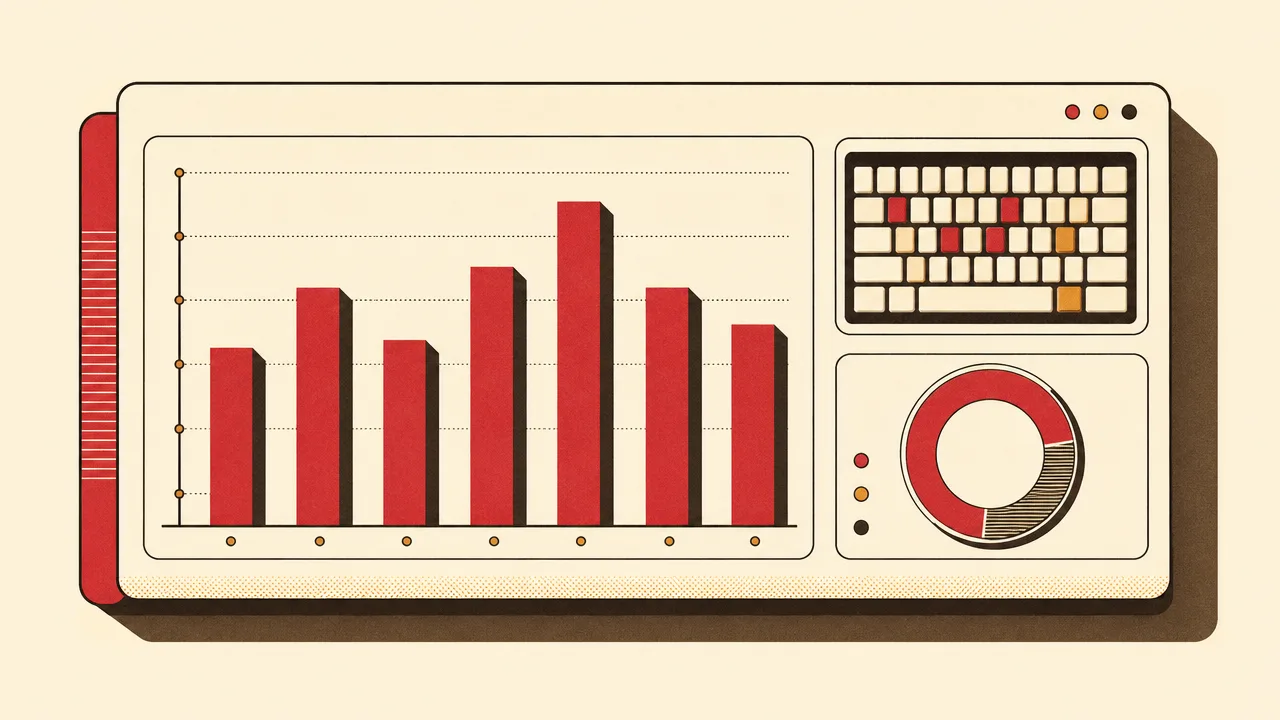
Keystrokes can be tracked at the operating-system level by any application with permission to observe input events. WhatPulse is one such application: it runs locally on Windows, macOS, and Linux, counts keyboard and mouse events as they happen, and attributes them to whichever window is in the foreground at the moment of the press. The result is a per-application, per-day, and per-period record of typing volume that can be explored on the device or, optionally, synced to a personal dashboard.
Because tracking happens at the event level rather than the content level, the resulting numbers say nothing about what was typed. That distinction is what makes the metric usable as a long-term personal signal: it is detailed enough to surface real patterns in typing behaviour, but coarse enough to leave the actual writing private. Combined with keystroke breakdowns per application, a keyboard heatmap, and mouse-click counts, the raw keystroke total becomes the entry point into a richer picture of input behaviour.
The point of tracking keystrokes, in this context, is not to chase a higher number. It is to know what a normal day looks like, notice when something shifts, and have an objective record of input habits to compare against memory and intuition.
Frequently asked questions
Are modifier keys like Shift and Ctrl counted?
It depends on the tracker. Most tools count every key event the operating system reports, including modifiers, function keys, and arrow keys. A few count only character-producing presses, which produces a lower number.
Do key repeats count as multiple keystrokes?
Holding a key triggers the operating system's auto-repeat, which fires repeated events at a system-defined rate. Most trackers count each repeat as its own keystroke, so leaning on a key inflates the total.
How many keystrokes equal one word?
The standard typing-test convention treats five keystrokes as one word, including the space. That is how words per minute is converted to keystrokes per minute, and vice versa.
Can keystrokes be measured without recording what was typed?
Yes. Tracking the count and timing of key events does not require capturing the keys themselves. Privacy-respecting trackers like WhatPulse record only the totals and never the contents.
Do keystrokes from password managers or autofill count?
Programmatic input that simulates key events usually registers the same way as a human press. Clipboard pastes do not, since they trigger a paste event rather than individual key events.
Are keystrokes a good measure of productivity?
No. Keystrokes measure typing volume, not value. A long, careful sentence can take fewer keystrokes than an exuberant chat message, and revising a single line of code can outscore writing a whole new function.
Why does my keystroke count vary so much between days?
Different work produces different typing profiles. Writing prose generates steady high counts, while reviewing pull requests, attending meetings, or designing in a visual tool can produce far fewer keystrokes even on a long workday.
Conclusion
A keystroke is the simplest possible unit of typing activity: one key, one event, attributed to one application. Counted carefully, the metric is unambiguous and easy to compare across days, applications, and long stretches of time. It is the raw material for typing speed, input intensity, keyboard heatmaps, and any other measurement that depends on knowing how much, and where, the keyboard was used.
Treated as a measure of effort or value, keystroke counts mislead. Treated as a baseline for habits and a trend signal over weeks and months, they are one of the more honest numbers a computer-activity tracker produces.