Foreground application
The window currently receiving input, against which time is attributed.
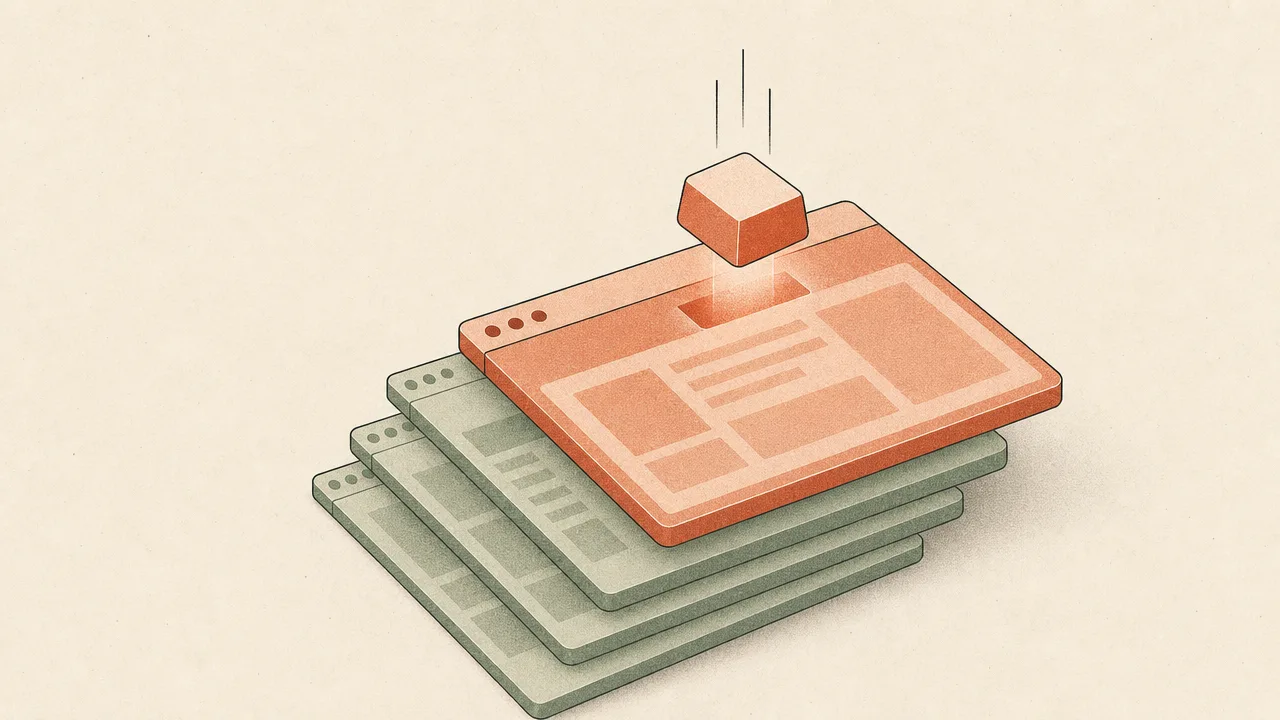
The foreground application is the single piece of software whose window currently has input focus on the operating system. When a person types, clicks, or scrolls, those events are delivered to that one application, and most usage trackers attribute the resulting time and activity to it. Almost every application-level metric in a productivity tool, from time-per-app to switching counts, is built on top of foreground detection.
This page covers what the foreground application is, how operating systems expose it, why it anchors so much of computer-usage analytics, what benchmarks exist around foreground switching, and where the concept is most often misunderstood.
What is the foreground application?
The foreground application is the process that owns the currently focused window. Focus is a property managed by the operating system: it determines which window receives keyboard events, which one sits at the top of the stacking order, and which one is highlighted in the title bar. Only one window holds focus at a time, and the application behind it is the foreground.
Many other windows can be visible at the same moment. A side-by-side editor and browser, a stack of terminals on a tiling window manager, or a multi-monitor desk full of dashboards all share the screen. The window the user can type into right now is the foreground; everything else is background, regardless of whether it is visible, partially covered, or playing sound.
The same idea is sometimes called the active window, the focused window, or the foremost application. Operating-system documentation uses slightly different terms, but they describe the same underlying state.
Why does the foreground application matter?
The foreground application is the natural anchor for almost every application-level metric a usage tracker produces. Active time is attributed to whichever app is in the foreground at the moment of input. Keystroke counts per app, click counts per app, and time-on-app breakdowns all depend on knowing, second by second, which application that was. Without a reliable foreground signal, the data collapses into a single undifferentiated total.
For individuals, foreground tracking turns a vague sense of where the day went into an explicit breakdown. For teams, the same signal underpins reports about tool adoption, application sprawl, and the gap between the software an organisation pays for and what people actually open. Foreground data is also the input to higher-level concepts such as application switching, context switching, and focus fragmentation, all of which depend on a stream of foreground events from which switches can be counted.
How is the foreground application detected?
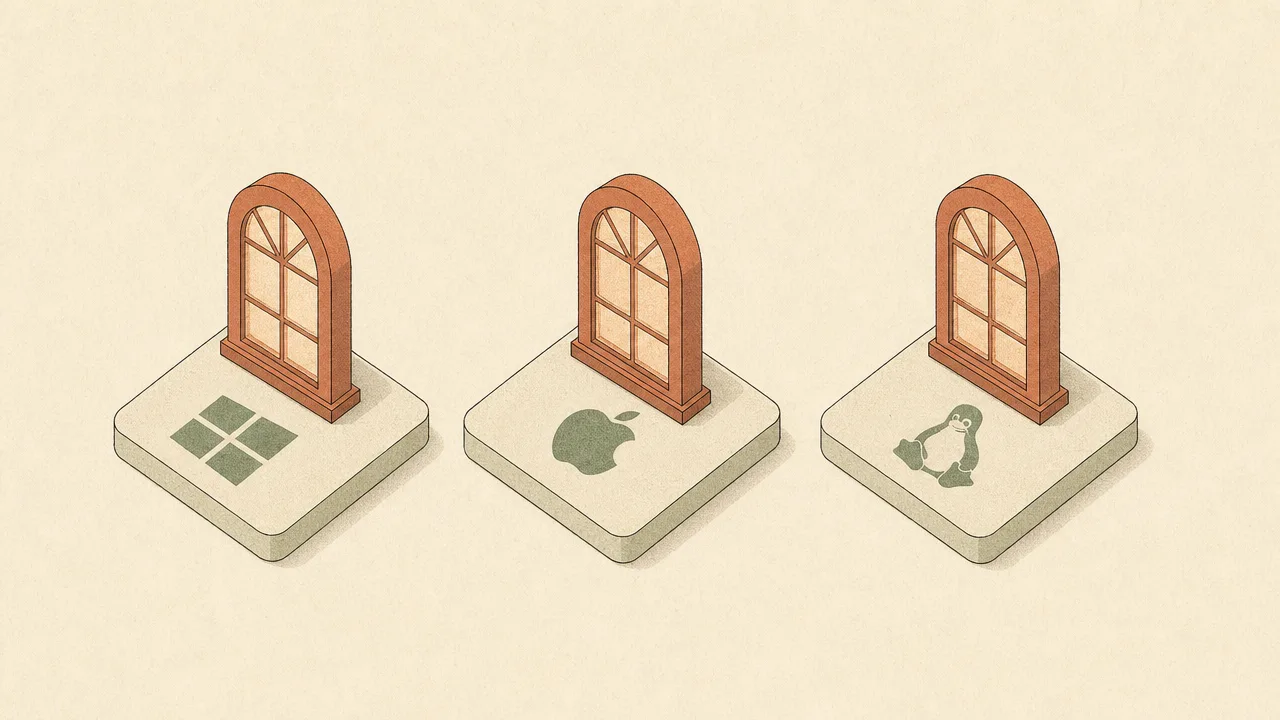
Each major operating system exposes its own way of asking which application is currently in the foreground, and the differences matter when building a tracker that has to work everywhere.
On Windows, the canonical call is GetForegroundWindow in the Win32 user32 API. It returns a
handle to the window the user is currently working with, from which the owning process can be resolved.
The function can return null while a window is losing activation, so trackers guard against that. To
detect changes without polling, applications can install a Windows event hook for
EVENT_SYSTEM_FOREGROUND.
On macOS, the corresponding API is the frontmostApplication property on
NSWorkspace, available since OS X 10.7 and observable via key-value observation. It returns
an NSRunningApplication instance representing the app that receives key events. Apple's
documentation recommends it over the older activeApplication method. Window-level detail
beyond the foreground app usually requires the Accessibility APIs and explicit user permission.
On Linux under X11, the Extended Window Manager Hints specification defines a _NET_ACTIVE_WINDOW
property on the root window, maintained by the window manager. It holds the ID of the focused window or
none if no window has focus. Any X client can read this property and subscribe to property-change events
to be notified of switches. From the window ID, a tracker can resolve the WM_CLASS, process ID, and title.
Wayland deliberately does not expose an equivalent global property to arbitrary clients. Its security model treats the active window as information one application should not be able to learn about another without consent. Trackers on Wayland have to rely on compositor-specific protocols or on permission-mediated desktop portals, and coverage is often reduced or compositor-dependent compared with X11.
One distinction worth keeping in mind is window title versus executable. The executable or bundle ID is a stable identity for an application; the window title typically changes with the current document, tab, or URL. Most trackers record both. The executable groups time under an application; the title is the only reasonable way to separate, for example, two browser tabs that belong to the same browser process.
Common benchmarks
Benchmarks for foreground-application behaviour mostly come from attention research rather than from tracking-tool publications. The most widely cited figures are also among the most carefully measured.
- Gloria Mark's shadowing studies of knowledge workers at technology and finance companies, published in the mid 2000s, found an average of roughly one activity switch every three minutes during the workday.
- Follow-up research by Mark and colleagues using on-device logging reported that the average duration of attention on a single screen fell from around 150 seconds in 2004 to roughly 75 seconds in 2012, and to between 44 and 50 seconds in observations from 2016 to 2021.
- Mark's later work also reports that knowledge workers check email an average of around 77 times per day, a substantial driver of foreground switches into and out of mail clients specifically.
- Aggregate-level reports from analytics tools consistently identify mail clients, browsers, communication apps like Slack or Teams, and editors or IDEs as the dominant foreground applications in office work, though the specific share varies by role.
Hard population averages for foreground switches per hour beyond Mark's figures are scarce in peer-reviewed literature. Individual variation is large, and the right comparison is almost always a person's own trend over time rather than an external number.
Examples
A few scenarios show how the foreground signal plays out in real work.
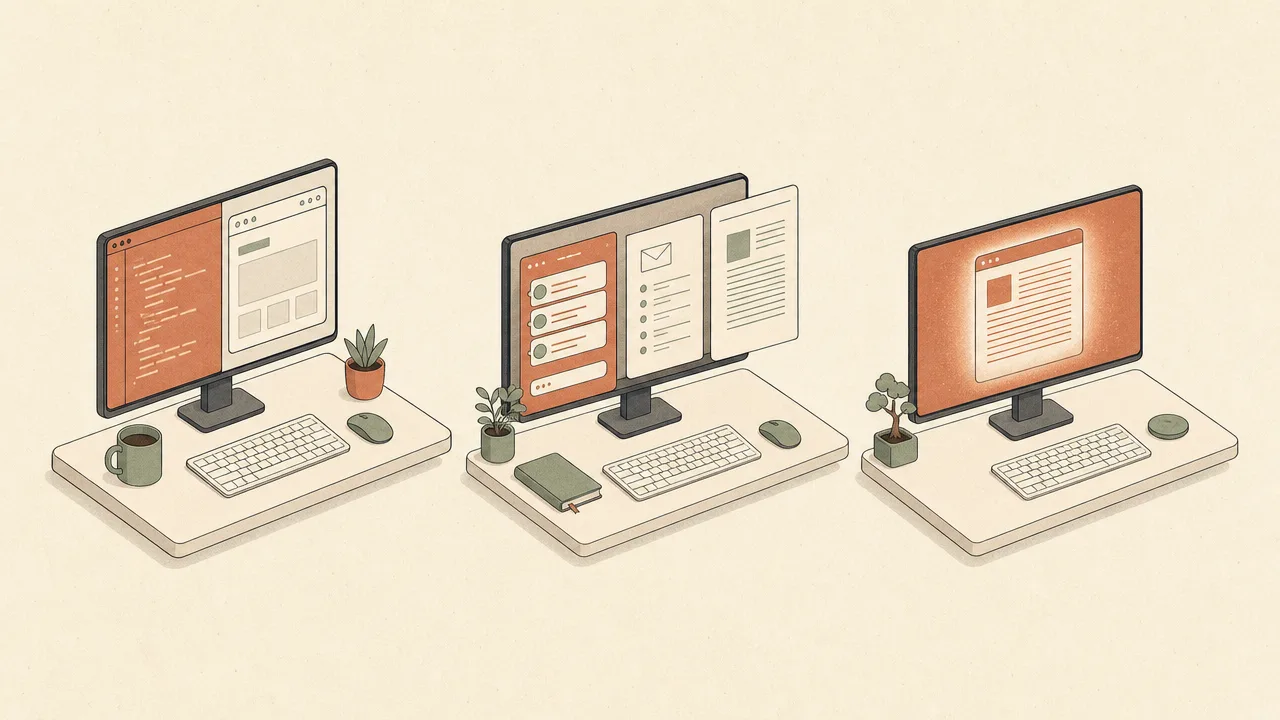
A backend developer keeps an editor, a terminal, and a browser open across two monitors. The foreground bounces between the editor for code, the terminal for tests, and the browser for documentation. The browser only counts as foreground while it is actually focused, even though it is visible the whole time. The resulting per-application time mirrors the rhythm of writing, running, and reading.
A project manager spends the day in a mix of chat, mail, and a planning document. The foreground rotates among three applications every few minutes, often pulled by a notification. The total time per app looks balanced, but the switching count is high enough that any individual block on the planning doc is brief.
A writer treats one afternoon as a focused session. They open a word processor, full screen it, and turn off notifications. For an hour and a half, the foreground does not change. The tracker records a single long stretch with the word processor in the foreground and a flat switch count.
Misconceptions
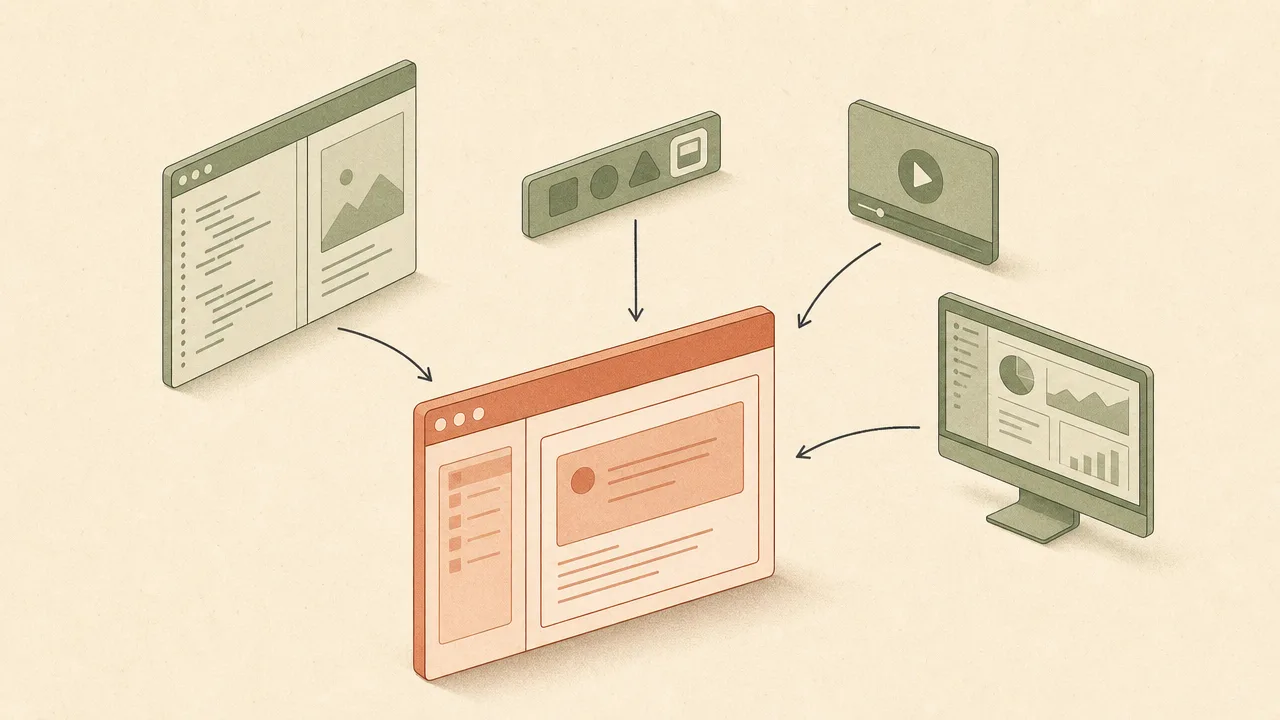
The most common confusion is treating visible and foreground as the same thing. They are not. A window can be fully visible, taking up half the screen, and still be in the background because it does not own focus. A dashboard sitting on a second monitor while someone types in a chat window on the first is background, regardless of how big or central it looks.
A second misconception is conflating alt-tab and mouse-hover with foreground changes. Hovering over a taskbar icon or moving the mouse across a different display does not change the foreground on most systems. The foreground only changes when focus is actually transferred, typically by clicking a window or completing an alt-tab cycle.
Minimised applications are not the foreground, because they no longer have a focused window. The operating system selects another window to receive focus, often whichever was previously active, and tracking continues against the newly focused application.
Picture-in-picture video calls and floating overlays look as if they should be the foreground because they sit on top of everything else. In practice they only count as foreground while they hold focus, which is usually only when someone is interacting with them directly. Multi-monitor setups do not multiply the foreground either; there is one foreground application across all displays, regardless of which monitor its window lives on.
Related concepts
The foreground application sits at the centre of a small cluster of closely related ideas. Understanding it usually helps clarify the others.
- Active time: the time during which input is being received, attributed to the foreground application.
- Application usage: a per-application breakdown of foreground time across a day or week.
- Application switching: the rate at which the foreground application changes.
- Input activity: the stream of keyboard and mouse events delivered to the foreground.
- Context switching: the cognitive cost paid when the foreground application changes.
- Focus time: a stretch of time during which the foreground stays on a single application.
- Focus fragmentation: a pattern of frequent short foreground stints with no long blocks.
- Workday fragmentation: the larger-scale shape of a day made of many short foreground sessions.
- Activity tracking: the broader practice of recording foreground and input data over time.
- Usage distribution: the shape of how foreground time is spread across applications.
Tracking the foreground application
Foreground tracking is one of the most fundamental things a computer-usage tool does. The tracker subscribes to focus-change events from the operating system, or polls the current foreground at a short interval, and records each change with a timestamp, an executable identity, and a window title. From that stream, every per-application metric follows: total time, share of the day, switch count, and the sequence of which app came after which.
WhatPulse implements foreground tracking across Windows, macOS, and Linux using the platform APIs described above. It records which application held focus and for how long, alongside the input that arrived while it did. The data stays on the device by default, with an optional sync to a personal dashboard for trend analysis. The point is not to score the day, but to give an honest record of where attention went so patterns become visible over weeks and months rather than relying on memory.
Frequently asked questions
Is the foreground application the same as the active window?
In everyday use, yes. Most operating systems treat the foreground application as whichever process owns the currently focused window. The terms are used interchangeably across Windows, macOS, and Linux documentation.
Can two applications be in the foreground at once?
No. By design only one window holds keyboard focus, and the application that owns that window is the single foreground application. Side-by-side or split-screen layouts still have exactly one focused window at a time.
What happens to the foreground application on a multi-monitor setup?
Each monitor displays windows, but only one window across all monitors holds focus. The foreground application is the one whose window owns that focus, regardless of which physical display it sits on.
Does a minimised application count as the foreground?
No. Minimising a window removes its focus, so the application is no longer the foreground. Whichever window the system focuses next, including the desktop shell, becomes the new foreground.
How fast do foreground changes need to be detected?
Most usage trackers either subscribe to operating-system focus-change events or poll the foreground at a short interval, typically once per second. That granularity is more than enough for time attribution.
Why is foreground detection harder on Wayland than on X11?
Wayland was designed with a stricter security model that does not expose a global active-window property to arbitrary clients. Tools that need that information rely on compositor-specific protocols or desktop portals, where available.
Does a picture-in-picture video window count as the foreground?
Only while it actually holds input focus. A picture-in-picture overlay floating above another window is usually not the focused window, so the underlying application remains the foreground for tracking purposes.
Conclusion
The foreground application is a small, precisely defined idea: the one process whose window currently owns input focus. It is also the anchor for nearly every application-level number a usage tracker produces, from time-per-app to switching rates to focus and fragmentation patterns. Detecting it cleanly across Windows, macOS, X11, and Wayland is more involved than it looks, and the differences shape what any given tracker can report on each platform.
Treated as a faithful record rather than a verdict, the foreground signal is one of the more useful pieces of information a computer can quietly tell you about your own work.