Application switching
How often the foreground app changes, a proxy for fragmentation.
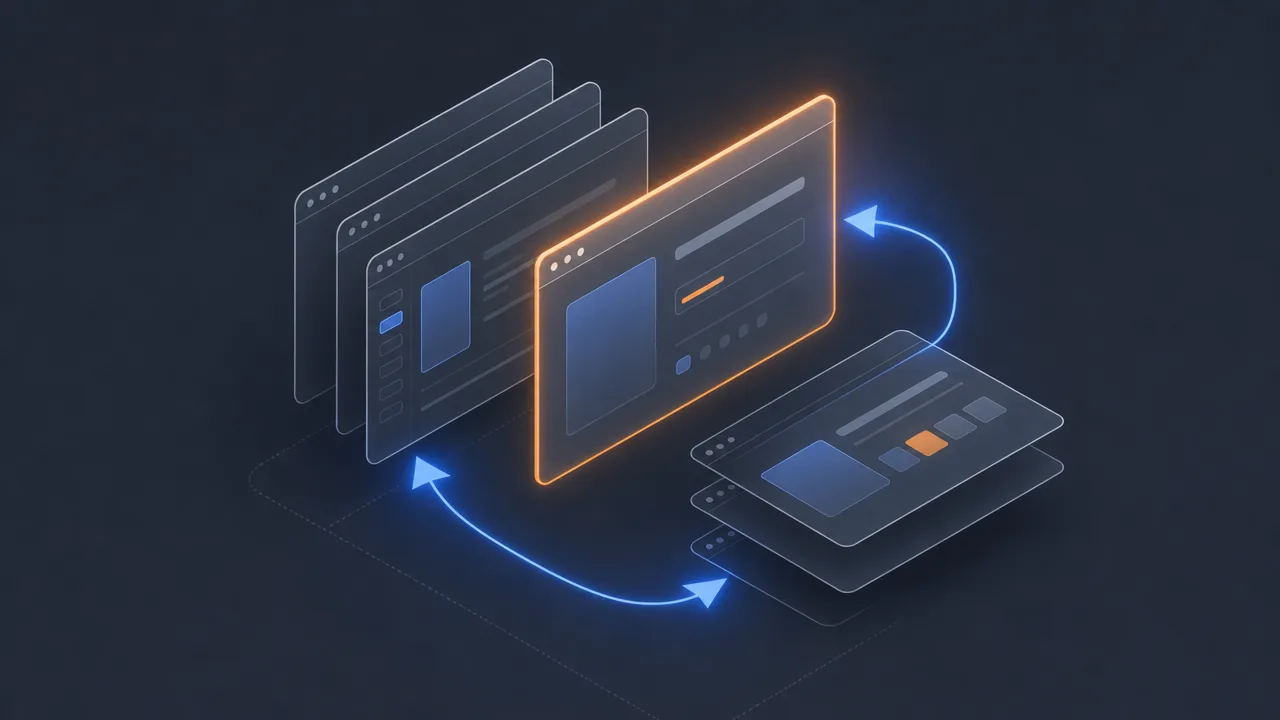
Application switching is the rate at which the foreground window on a computer changes from one application to another. Every time the focus moves from a code editor to a browser, from a chat window to a spreadsheet, or from a design tool to a video call, a switch event is recorded. Counted over a working day, those events produce one of the more honest pictures of how fragmented a person's attention has become.
This page covers what application switching is, how it is measured, what published research says about it, what it does and does not reveal, and how it sits next to the other metrics that describe how a workday actually unfolds at the keyboard.
What is application switching?
Application switching is the count of distinct transitions between foreground applications over a defined window of time. The signal comes from the operating system: every modern desktop reports which window has keyboard focus, and a switch is logged when that identifier changes. Most trackers also store the timestamp of the change and the application moved from and to, which is enough to reconstruct the full sequence of a day's activity later.
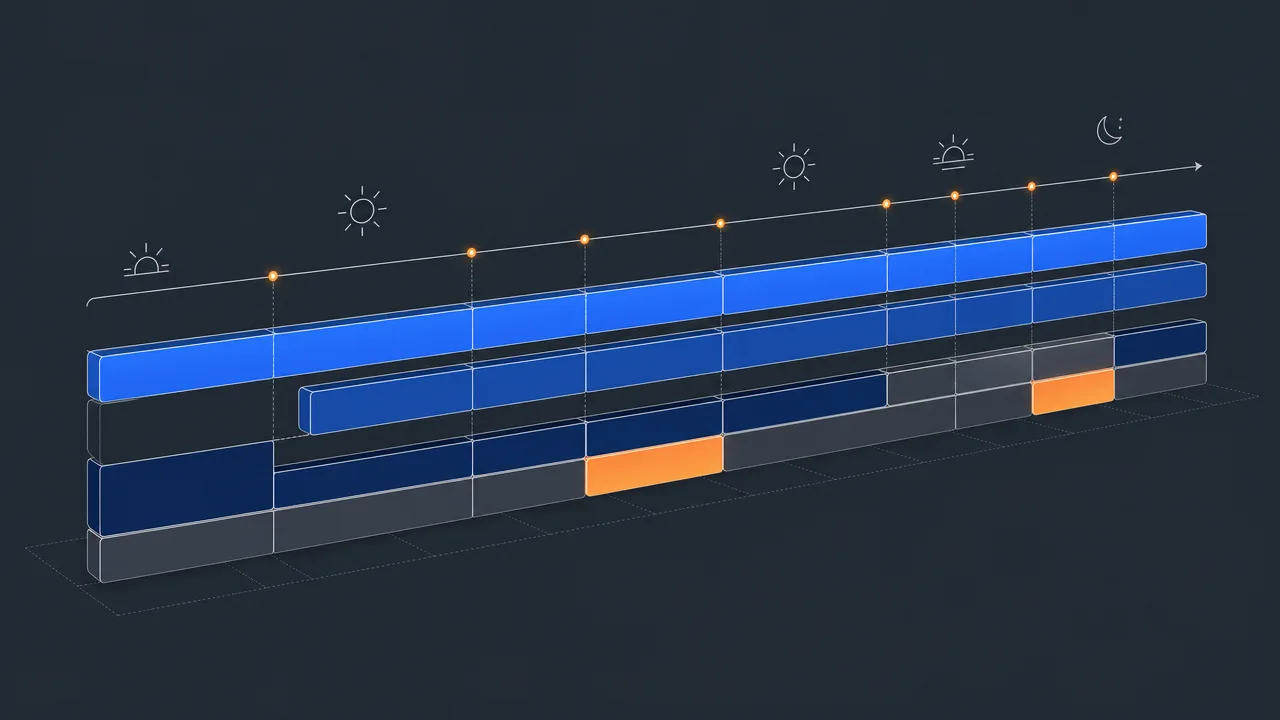
The metric is usually reported in two complementary ways. The first is switches per hour, which captures how often the foreground changes. The second is average dwell time, which captures how long the foreground stays on a single application before changing. The two are different views of the same timeline, and reading them together is more informative than reading either on its own.
Application switching is a proxy for context-switching cost, not a direct measurement of it. The number does not know whether the user moved between tools to complete a single coherent task or interrupted themselves to check a notification. That interpretation has to be layered on top by combining switch counts with focus time, idle stretches, and the categories of the applications involved.
Why does application switching matter?
Switching between applications carries a cognitive cost. Each switch forces the brain to load a new mental context, even if only briefly, and a small amount of attention tends to remain on the prior task for some time after the change. Sophie Leroy's work on attention residue describes this pattern, and Gloria Mark's long-running research at UC Irvine has documented how interruptions and self-interruptions break sustained attention into smaller and smaller pieces. None of this means switching is harmful in itself, but it does mean that workdays composed of many short bursts produce a different kind of output than days composed of fewer, longer blocks.
For individuals, the switch count tends to be more surprising than the active-time number. Most people underestimate how often they leave the current application, particularly when the trigger was a notification or an idle moment of curiosity. Seeing the count plotted against the day brings the rhythm of attention into view, and usually invites a different conversation than the one started by a productivity score.
For teams, application switching is a useful diagnostic when paired with other signals. Sustained jumps in switch frequency across a team often line up with tool sprawl, unclear ownership of workflows, or an increase in unplanned interruptions. The number is rarely meaningful on its own, but the trend lines tend to tell a coherent story when read in context.
How is application switching measured?
The underlying mechanism is simple. The tracking software registers a hook with the window manager and receives a notification whenever the focused window changes. Each notification carries the new application identifier and a timestamp. A switch event is recorded if the new application differs from the previous one, and the duration since the last switch is stored as the dwell time for the application being left.
Two implementation details shape what the resulting number actually means. The first is how the tracker treats very short visits. A quarter-second flash to confirm a notification is technically a switch, and most tools count it as one. Some tools apply a small minimum dwell time before counting a transition, on the grounds that fleeting visits do not impose the same cognitive cost as deliberate switches. Those two choices can produce noticeably different totals from the same underlying timeline.
The second detail is what counts as an application. Most desktop trackers use the executable or bundle identifier, which means that switching from one document to another inside the same word processor is not a switch, while moving from that word processor to a browser is. Switching tabs inside a single browser is usually not counted at the application layer, although a few tools add browser-extension support to capture tab-level changes as well. This is one of the main reasons published figures vary so widely. Studies that combine application and tab switches naturally produce much higher counts than studies that report applications only.
The metric is normally calculated locally on the device. Multi-monitor setups do not change the rules; only the focused window matters, regardless of which screen it is on. Background applications that produce no window-focus change are not counted, even if they are doing work. And periods of idle time effectively pause the switch counter, because the foreground does not change when no one is using the machine.
Common benchmarks
Published figures vary substantially because methodologies differ. The most often cited reference points are:
- A Harvard Business Review article by Rohan Narayana Murty and colleagues, drawing on data from 137 employees across 20 teams, reported that workers toggled between applications and websites roughly 1,200 times per day, and that the cumulative reorientation cost added up to just under four hours per week (HBR, 2022).
- The same study, published in coordination with Qatalog and the Cornell University Idea Lab, found that it took about nine and a half minutes on average to return to a productive flow state after switching between applications.
- Gloria Mark's research at UC Irvine has documented a long-running decline in average screen-focus duration, from roughly two and a half minutes in 2004 to about 47 seconds in more recent measurements, and an average recovery time of about 23 minutes after a significant interruption.
- Microsoft's 2025 Work Trend Index reports that employees using Microsoft 365 are interrupted on average every two minutes by a meeting, email, or notification, and that 48 percent of employees describe their work as chaotic and fragmented. The report does not publish a single canonical switch count.
These figures sit on different definitions of a switch and different populations, so they should not be compared directly. The 1,200-per-day number, in particular, includes browser tabs as well as applications, which is why pure application-switch counts measured by desktop trackers usually come in lower. Where uncertainty exists about exact methodology, it is better to compare a person against their own history than against a published headline.
Examples
A few worked examples illustrate how the metric behaves in practice.
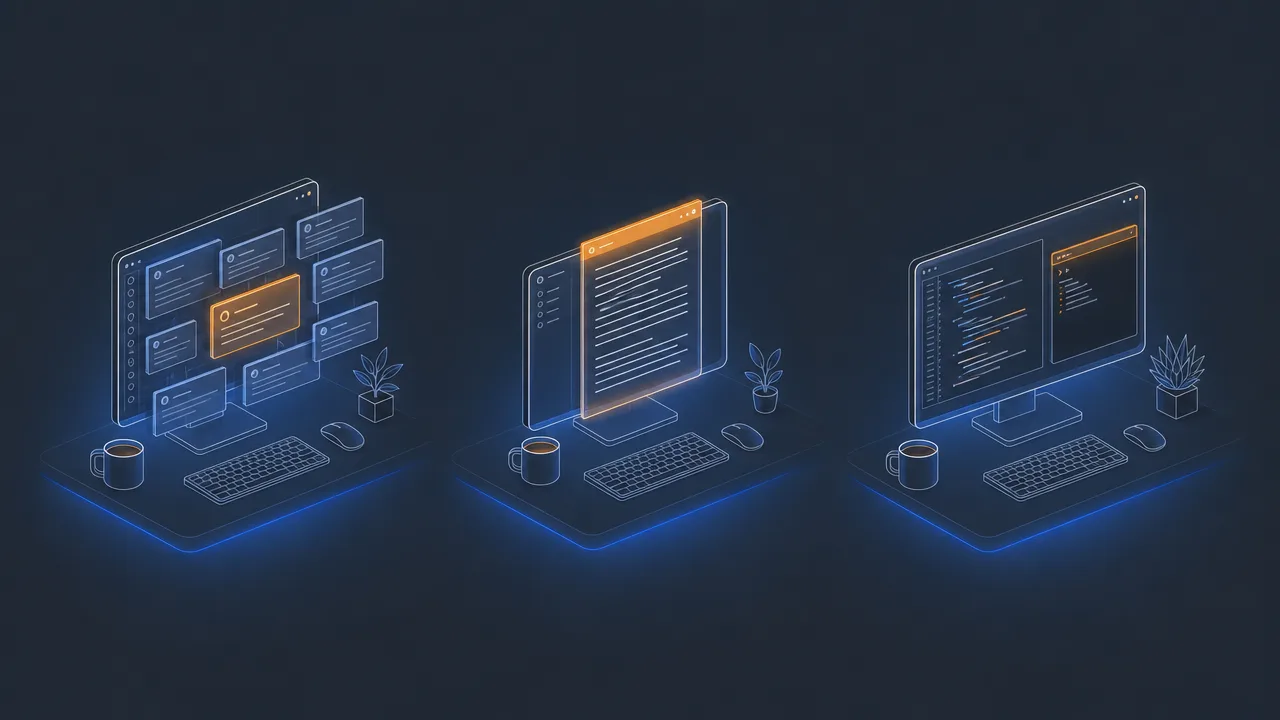
A customer-support agent handles tickets across a help-desk tool, an internal knowledge base, an email client, and a chat application. Every ticket requires looking something up and confirming a status, so the foreground rotates every couple of minutes for most of the day. A switch count in the high hundreds is structurally normal for this role and does not signal a focus problem.
A long-form writer spends most of the morning in a single document, with occasional trips to a browser for reference. The switch count is low, average dwell time is high, and focus blocks are long. If the count suddenly doubles for a week, the most likely cause is a change in the writer's environment, such as a noisy chat channel or a new approval workflow that pulls attention away from the document.
A developer alternates between an editor, a terminal, and a browser for most of the day, with switches every minute or two during active coding. Late in the afternoon a stand-up runs long, a chat thread heats up, and an unfamiliar bug pulls them into a wiki. The afternoon switch rate climbs sharply, even though the morning was a calm flow session. Read across the day, the metric makes the shift visible in a way that memory alone usually does not.
Misconceptions
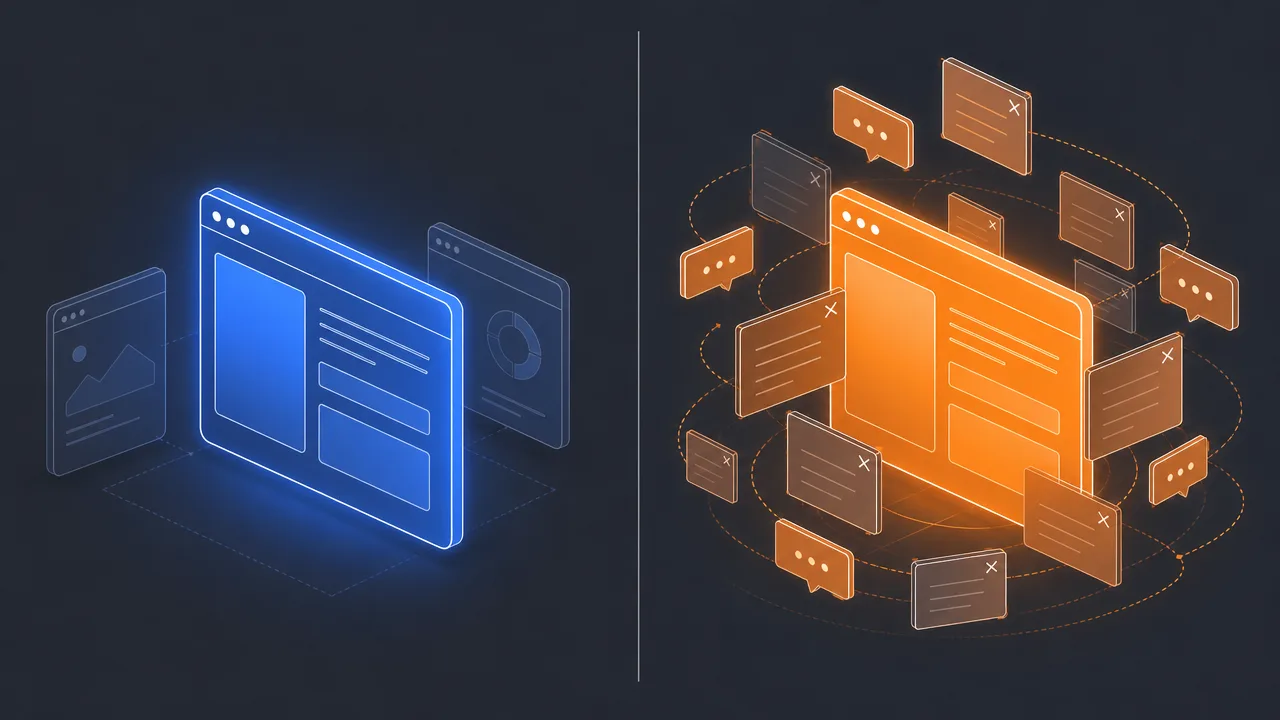
The most persistent misconception is that a lower switch count is always better. Some roles depend on rapid lookups across many systems, and forcing a smaller number on those roles would degrade the work itself. The meaningful comparison is between similar workdays for the same person or the same role over time, not against an idealised low number pulled from a productivity blog.
A second confusion is between switching and multitasking. Switching is a measurement of foreground-window changes. Multitasking is a behaviour that may or may not produce switches; a person can keep one application in focus while attending to a phone call, and another person can switch frequently while still pursuing a single coherent task. The two ideas overlap but are not the same.
A third common error is treating every switch as equivalent. A two-second peek to confirm a notification is not the same as a full task transition that ends one block of work and starts another. Some trackers expose dwell-time distributions or short-versus-long switch categories precisely because the difference matters for interpretation. Counting short peeks alongside genuine task changes inflates the number and obscures the signal.
Related concepts
Application switching sits near several adjacent metrics. Reading them together usually produces a clearer picture than reading any of them alone.
- Foreground application: the application that currently has window focus and against which time is being attributed.
- Context switching: the broader concept of moving between tasks or mental contexts, of which application switching is one measurable signal.
- Focus time: a continuous period of input on a single foreground application, which a switch event ends.
- Focus fragmentation: the degree to which focus time is split into many short blocks rather than fewer long ones.
- Attention residue: the lingering cognitive cost that remains after switching away from a task.
- Application usage: the breakdown of total active time across applications, which complements switch counts.
- Active time: the underlying measurement of time spent providing input, against which switches are counted.
- Idle time: stretches with no input, which effectively pause the switch counter.
- Workday fragmentation: the daily-level summary of how broken-up the working hours have become.
- Notification fatigue: a common upstream cause of involuntary switching.
Tracking application switching
Application switching can be tracked by any desktop tool with permission to observe window-focus changes. WhatPulse is one such tool: it runs locally on Windows, macOS, and Linux and records each foreground change against a timestamp, the application moved from, and the application moved to. From those events it derives switches per hour, dwell-time distributions, and per-application usage, viewable in a personal dashboard.
Because the measurement happens on the device, a network connection is only needed to sync the data for long-range trend analysis. Users who prefer to keep the data fully local can do that. The defaults treat each foreground change as a switch, which makes the totals comparable across days, while the per-application breakdown allows short-dwell visits to be inspected separately when they look suspicious.
The point of recording switches is not to drive the number toward zero. It is to make the actual shape of a working day visible. Some days are structurally fragmented, some are unusually clean, and most people are poor at predicting which is which without data. A switch count plotted over time turns a vague intuition about a busy week into something specific enough to act on.
Frequently asked questions
Is application switching the same as multitasking?
No. Application switching counts foreground-window changes; multitasking is the broader behaviour of attempting more than one task at once. A person can switch applications often while still working on a single task, and can multitask within a single application by mixing channels of attention.
Is a high switch count always bad?
No. Some roles require frequent reference lookups, support handoffs, or short comparisons between tools. The number is best read as a personal trend rather than a target. Sudden increases or sustained drops are more informative than the raw figure.
Does switching tabs inside a browser count?
Most desktop activity trackers count a switch only when the foreground application changes. Tab changes inside the same browser are not counted unless the tracker has browser-extension support. Some published statistics combine app and tab switches into a single number, which inflates the count compared with app-only measurements.
How is dwell time related to switching?
Dwell time is the duration spent in an application between two switch events. Short average dwell times indicate frequent switching; long average dwell times indicate deeper sessions. Dwell time and switch count are two views of the same underlying timeline.
Can application switching be measured without a network connection?
Yes. Switch events are derived from operating-system signals about which window has focus and can be recorded entirely on the device. A connection is only needed to sync the data to a remote dashboard.
Why does my switch count look higher than the published averages?
Published averages often combine apps and browser tabs, while many trackers count only application changes. Role also matters. Customer support, recruiting, and operations roles routinely switch more often than research, writing, or design roles.
How does application switching relate to focus time?
Focus time accumulates while the foreground application stays the same and input continues. A switch ends the current focus block. High switch counts tend to produce short, scattered focus blocks; low switch counts tend to produce longer ones.
Conclusion
Application switching is a precise measurement of a narrow thing: how often the foreground application changes during the working day. It is one of the better available proxies for context-switching cost and attention fragmentation, but it does not, on its own, tell anyone whether their work is going well. A day with many switches can be a normal day for a support role, and a day with few switches can be a symptom of avoidance rather than focus.
Read against a person's own history, alongside focus time and the mix of applications involved, the switch count makes the rhythm of a workday legible. That is its real value: not as a score, but as a steady picture of how the day actually unfolds at the keyboard.