Activity tracking
The general practice of recording how a computer is used.
Activity tracking is the umbrella term for recording how a computer is being used. That can mean a freelancer logging the hours spent on a client project, an organisation watching whether its laptops are being used at all, a researcher studying attention patterns, or an individual quietly keeping a long-term diary of their own working life. The data, the audience, and the ethics differ in each case, but the underlying activity is the same: observing the machine and writing down what happened.
This page sits at the top of the computer-usage section of the encyclopedia. It covers what activity tracking is in general, what gets captured, why people and organisations do it, the privacy questions it raises, and how the more specific metrics, like active time, focus time, application usage, and input activity, fit underneath it.
What is activity tracking?
Activity tracking is the continuous or periodic recording of computer use. In its simplest form it captures the application currently in the foreground and the time spent there. In richer forms it adds keystrokes, mouse clicks, scroll events, websites visited, files opened, network use, and sometimes screenshots or video of the screen. Any tool that writes some structured record of what is happening on a machine, over time, is doing activity tracking.
The category includes some software that nobody thinks of as a tracker. The Windows event log, macOS Screen Time, and the usage statistics built into modern browsers all count. So do project-time tools like Toggl or Harvest, personal analytics tools like WhatPulse or RescueTime, dedicated focus tools, and the workplace monitoring suites sold under names like ActivTrak, Hubstaff, Teramind, and Time Doctor. The shape of the data differs sharply across these tools, but the activity is recognisably the same.
What makes activity tracking distinct from older approaches like manual timesheets is automation. The user does not have to write anything down. The software watches and records, and the resulting log can be sliced by application, project, day, week, or longer. That shift, from self-report to observation, is what makes the data both more accurate and more loaded.
Why does activity tracking matter?
Activity tracking matters because computer work is mostly invisible. A person sitting at a laptop could be writing the most important document of their year or reading reviews of new headphones. From the outside the two look identical. Tracking is the only practical way to turn that opacity into something measurable, and everyone who wants a measurement, for any reason, ends up with some version of it.
For individuals, the appeal is self-knowledge. Self-reports about how time is spent are reliably wrong. Tracking gives a measured record to compare against intuition. Most personal users come to the tools to answer simple questions: where did the day actually go, how much of it was spent on the work that mattered, how have habits drifted over months and years. This sits in the long tradition of personal analytics and the quantified self movement, which since the late 2000s has built an enthusiast culture around self-measurement of behaviour and health.
For freelancers and small consultancies, activity tracking is a billing instrument. Hours have to be assigned to clients, projects, and sometimes specific deliverables. Manual timers and timesheets are still common, but passive trackers that observe which document or repository was active produce a more defensible record. Many tools in this space combine both: a manual project label on top of an observed time log.
For organisations, the picture is more complex. Some workplace deployments are essentially personal productivity tools rolled out at scale, with data visible only to the individual. Others are explicit management tools that report on workforce activity. The latter accelerated sharply during the shift to remote work in 2020 and have stayed at elevated levels since. Gartner has reported that the share of large employers using workforce monitoring technology roughly doubled during the pandemic, from around 30 percent of companies with 1,000 or more workers before 2020 to around 60 percent by the end of 2021, with continued growth since then. Market analysts place the broader employee monitoring software market in the multiple billions of dollars and growing at double-digit annual rates.
Researchers use activity tracking as a data source for understanding attention, software adoption, and the effects of new working arrangements. And a smaller but steady group of users adopts the tools simply because they enjoy keeping a long record of their own working life, in the same spirit as a diary.
How does activity tracking work?
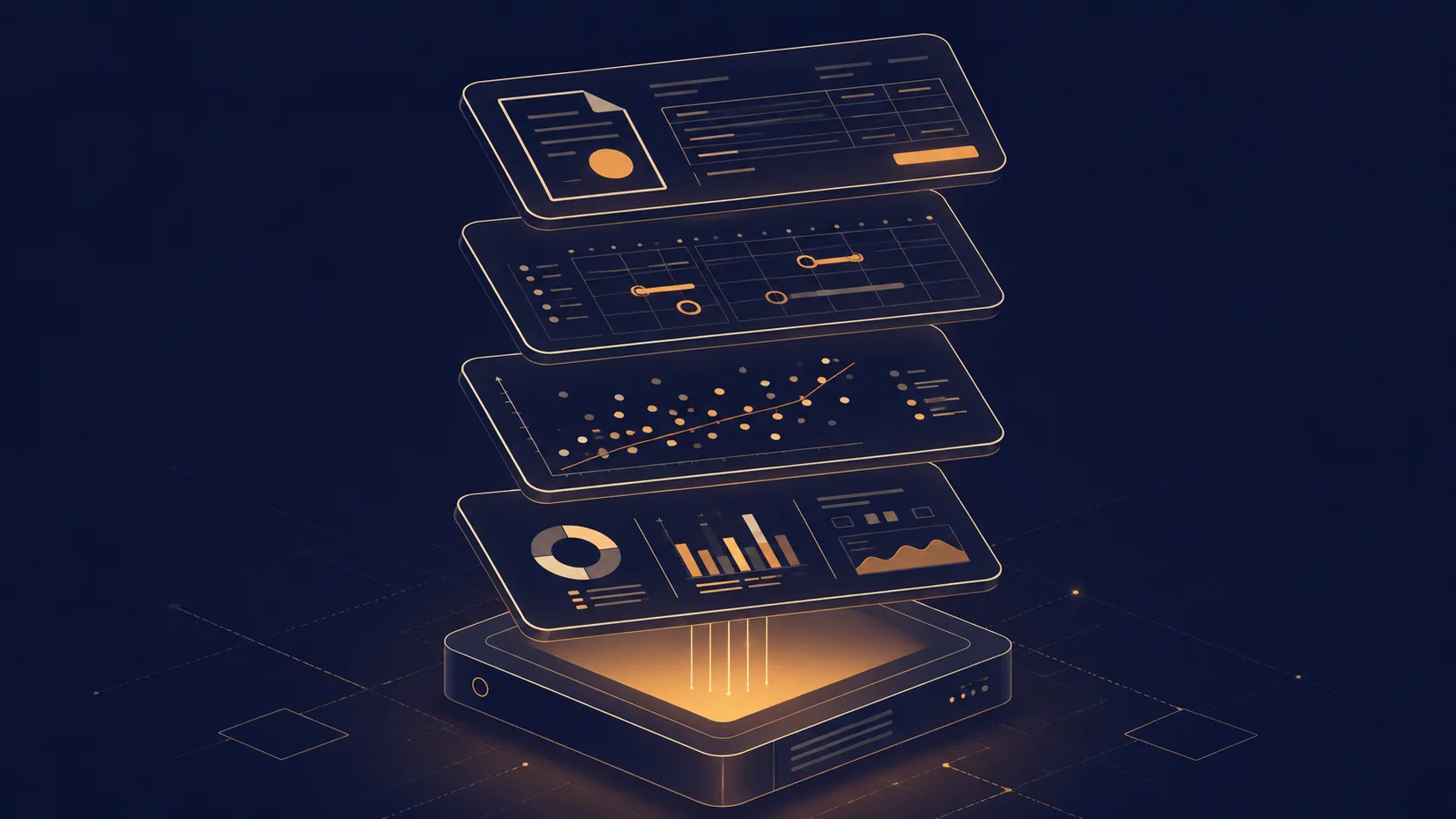
At a high level, every activity tracker does some combination of four things: observe the operating system, classify what it sees, store the result, and present it. The differences between tools come from how far each one pushes the first three steps.
The most fundamental signal is the foreground application, the window the user is currently interacting with. Operating systems expose this through standard APIs, and almost every tracker watches it. On top of that sits input activity: the stream of keyboard events, mouse clicks, mouse movement, and scroll events that indicates whether a human is providing input at all. The interaction between foreground application and input is what lets a tracker distinguish between a window that is merely open and a window that is being actively used. From that pair of signals come the more familiar derived metrics: active time, idle time, session length, focus time, application usage, and so on, each of which has its own page in this encyclopedia.
Beyond that core, the choices diverge. Some tools observe URLs visited inside browsers and use that to break web usage into categories. Some watch network bandwidth to record how much data each application moves. Some maintain a keyboard heatmap or a mouse heatmap to summarise input distribution. The most invasive workplace tools take periodic screenshots, log specific keystrokes, watch the webcam, or record full screen video. Mainstream personal trackers usually stay well clear of that end of the spectrum.
Where the data lives is the second major dividing line. Local-first tools store everything on the device by default and only sync if the user opts in. Cloud-first tools push the data to a remote server as it is collected, which is the norm for workplace deployments and for any tracker built around a shared dashboard. The two models lead to very different privacy postures, and the choice between them is one of the more important design decisions any tracker makes.
Presentation is the part the user actually meets: dashboards, weekly summaries, exports, comparisons against previous periods. Behind any well-presented chart, however, is the same plumbing of foreground windows and input events.
Common benchmarks
Hard benchmarks for activity tracking as a whole are rarer than benchmarks for any individual metric, because the category is so broad. The most commonly cited reference points sit at the market and adoption level.
- The global employee monitoring software market has been estimated in the range of 5 to 6 billion United States dollars in the mid-2020s, with industry forecasts projecting growth toward roughly 12 to 17 billion by the early 2030s depending on the source. Time-tracking software is usually reported separately and sits in a similar order of magnitude.
- Gartner has reported that the share of large employers using workforce monitoring technology roughly doubled between 2019 and 2021, from about 30 percent to about 60 percent of companies with 1,000 or more workers, with continued growth in the years since.
- Surveys of remote-first companies have repeatedly placed activity tracking adoption above 80 percent, with one widely cited 2023 survey reporting 96 percent of companies with primarily remote workers using some form of monitoring software. Methodologies vary, so the precise figure should be treated as indicative rather than authoritative.
- Microsoft launched its Viva Insights product in 2021, consolidating the earlier MyAnalytics and Workplace Analytics tools, and revised its related Productivity Score feature later that year to remove individual identification after public criticism. This is often referenced as an inflection point for mainstream enterprise interest in activity-derived metrics.
- On the personal side, the quantified self community has been organising public meet-ups and conferences since 2008, and large mainstream tools like RescueTime and WhatPulse have each reported user bases measured in the millions over their lifetimes. No single authoritative figure exists for the total personal-tracking market.
Examples
Three short scenarios illustrate how broad the category really is.
A freelance illustrator runs a passive tracker that records the foreground application and ties it to client projects. At the end of the week, the tool produces a breakdown of hours spent in the design application, the browser, and the messaging client, split by project. The illustrator uses the report as the basis for an invoice and as a check against scope creep. The tracker never leaves the laptop and the data is only ever seen by its owner.
A mid-sized company with several thousand employees rolls out a monitoring suite during a transition to hybrid work. The system records application usage, active and idle time, and a productivity classification per application, aggregated weekly. Individual employees can see their own dashboards. Managers see team-level aggregates only after a configurable delay, and detailed records are subject to a retention policy. The stated purpose is workload balancing and burnout detection. Whether it is experienced that way depends heavily on how it is communicated and governed.
An individual user installs a personal analytics application out of curiosity. Over the course of a year they accumulate a long record of which applications they use, how their active time has trended, and how their input intensity varies between weekdays and weekends. They never share the data. The value is private and cumulative: a slow, honest picture of their own working life that nobody else can see.
Misconceptions
The first and largest misconception is that activity tracking and workplace surveillance are the same thing. Surveillance is a particular configuration of activity tracking: continuous, involuntary, and reported to someone other than the person being watched. A solo freelancer using a tracker on their own laptop is doing something structurally different, even though some of the underlying data is similar. Collapsing the two makes it harder to have a useful conversation about either.
The second misconception is that consent is a binary that has been handled by clicking a box on the day a tool was installed. Meaningful consent depends on knowing what is being collected, who can see it, how long it is kept, and what decisions it influences. Many tools, especially workplace deployments, score poorly on at least one of those questions. Civil liberties organisations like the Electronic Frontier Foundation have argued for years that workplace monitoring should be necessary, proportionate, and transparent, and that any tool that cannot pass those tests should be treated with suspicion.
A third misconception is that the data is always neutral. Categorising an application as productive or unproductive, classifying time as focused or distracted, and ranking employees by an activity score all involve value judgements baked into the tool. The judgements may be reasonable. They are not measurements.
A fourth and quieter misconception is that activity tracking is a recent invention. The basic idea, recording what a worker did and when, predates computers by a century. The novel parts are the scale, the granularity, and the speed at which the resulting data can be aggregated and acted upon.
Related concepts
Activity tracking is a hub category. Almost every other entry in the computer-usage section of this encyclopedia describes either a specific metric produced by activity tracking or a phenomenon that activity tracking helps to study.
- Active time: the portion of computer time during which input is being provided.
- Idle time: the complement of active time within total computer-on time.
- Uptime: the total time a computer has been powered on, regardless of input.
- Focus time: continuous active time on a single application or task.
- Application usage: how time is distributed across the applications used during a session.
- Foreground application: the window receiving input at any given moment.
- Input activity: the underlying stream of keystrokes and mouse events.
- Keystrokes: the count of individual key presses recorded over a period.
- Mouse clicks: the count of mouse button events used as a coarse engagement signal.
- Context switching: the rate at which the foreground application changes within active time.
- Productivity metrics: derived scores that layer interpretation on top of raw activity data.
- Usage analytics: aggregated and visualised activity data over longer periods.
Tracking with activity tracking
Choosing a tool for activity tracking is mostly a question of who the data is for. If the answer is a manager, a client, or an HR system, the tool will be built around shared dashboards, cloud storage, and an administration interface. If the answer is the person sitting at the keyboard, the tool can stay local, keep the dataset private by default, and treat the user as the audience rather than the subject. The same underlying signals power both designs, but the constraints they impose on the software are very different.
WhatPulse is a personal-first option in this space. It runs locally on Windows, macOS, and Linux, records application usage, active time, keystrokes, mouse activity, and network use, and stores the resulting data on the device by default. Users can optionally sync to a personal dashboard for long-term trend analysis, but the account model is built around the individual, not an employer. The intent is closer to a long-running diary than to a productivity score.
The broader point is that the term activity tracking covers a wide range of tools with very different implications for privacy, autonomy, and use. A careful choice of tool matters more than the choice to track or not track. The same raw signals can power a small private dashboard that nobody else ever sees, or a workplace report that follows a person through their career. The data does not decide which of those it becomes; the design and the deployment do.
Frequently asked questions
Is activity tracking the same as employee monitoring?
No. Employee monitoring is one category of activity tracking, typically run by an organisation against its workforce. Personal activity tracking, freelancer time tracking, and research-oriented self-tracking all sit under the same umbrella but answer to different people and serve different goals.
What kinds of data does activity tracking usually capture?
At minimum, the active application or window and the time it is in the foreground. Most tools also capture some measure of input activity, such as keystroke counts and mouse clicks. More invasive tools add URL history, screenshots, webcam frames, or full content logging. The range is wide and the privacy implications scale with it.
Does activity tracking require an internet connection?
Not for the act of recording. Most trackers observe input and application events locally and write to a local database. A connection is only needed if the tool syncs that data to a server or a shared dashboard.
Is workplace activity tracking legal?
In most jurisdictions, yes, with conditions. Employers commonly need to disclose monitoring, limit it to legitimate purposes, and respect local data protection law. The European Union, the United Kingdom, and several United States states impose specific notice and proportionality requirements. Practice varies, so the legal answer depends on the jurisdiction and the type of data collected.
Can activity tracking measure productivity?
It can measure inputs to work, not the value of the output. Hours spent in a document, keystrokes per hour, and time in approved applications are all inputs. Whether those inputs produced anything useful is a separate judgement that the data alone cannot make.
Who owns the data produced by activity tracking?
It depends on the tool and the context. Personal trackers generally store data on the user device under the user account. Workplace trackers usually assign data ownership to the employer, with employee access rights determined by local law. The terms of service and the deployment configuration are where the actual answer lives.
Is activity tracking the same as time tracking?
They overlap but are not identical. Time tracking traditionally records intervals against tasks or clients, often with manual start and stop. Activity tracking observes the computer continuously and can produce a time record as one of several outputs. Modern tools blur the line by combining both.
How long do activity trackers usually keep data?
Personal tools often keep raw data indefinitely on the local device and let the user prune it. Workplace tools commonly retain detailed records for a few months and aggregated metrics for longer, subject to organisational policy and data protection law.
Conclusion
Activity tracking is the general practice of recording how a computer is used. It is the substrate underneath almost every more specific metric in this encyclopedia, from active time and focus time to application usage and input intensity. It serves people who want a private record of their own working life, freelancers who need a defensible billing log, researchers studying attention, and organisations measuring workforce behaviour. Each of those uses pulls the same underlying signals into a very different shape.
The interesting questions about activity tracking are rarely technical. They are about who the data is for, how long it lives, what decisions it influences, and how much the person being recorded gets to say about any of that. Approached thoughtfully, with the right tools and the right defaults, activity tracking can be a quiet and useful piece of personal infrastructure. Approached carelessly, it can become something quite different. The category is broad enough to be both.