Keystroke tracker privacy comes down to one boundary: a safe activity tracker counts keyboard and mouse events without saving the words, passwords, messages, or code behind them. For personal analytics, you usually need totals, timing, trends, and context. You rarely need content. That difference matters because the same phrase can describe harmless input statistics or invasive keylogging.
If you want to understand your computer habits, start by asking what the tracker measures, where the data lives, how long it is retained, and whether you can inspect or export it. A privacy-aware setup gives you useful activity numbers while keeping typed content out of the dataset.

What a keystroke tracker should measure
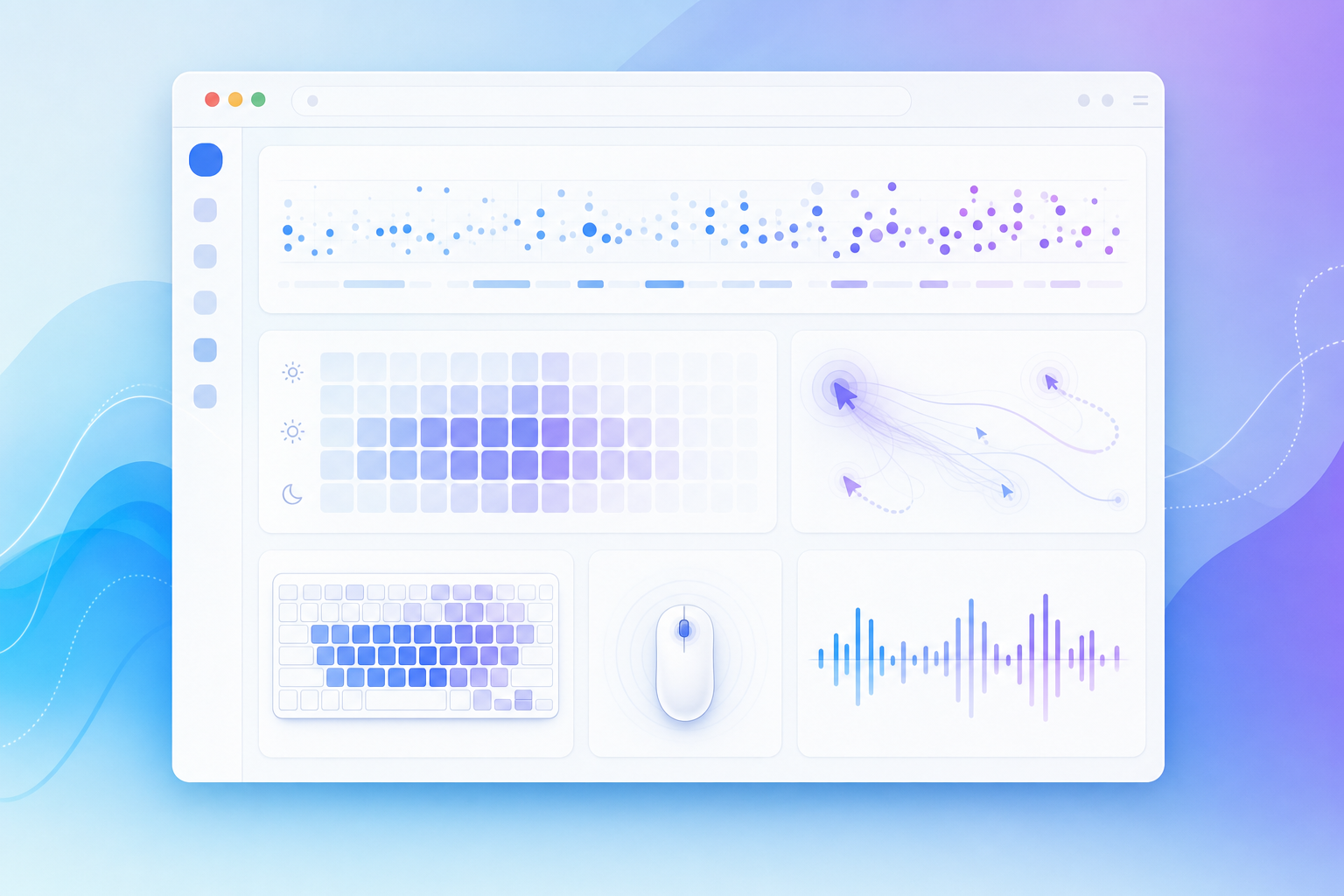
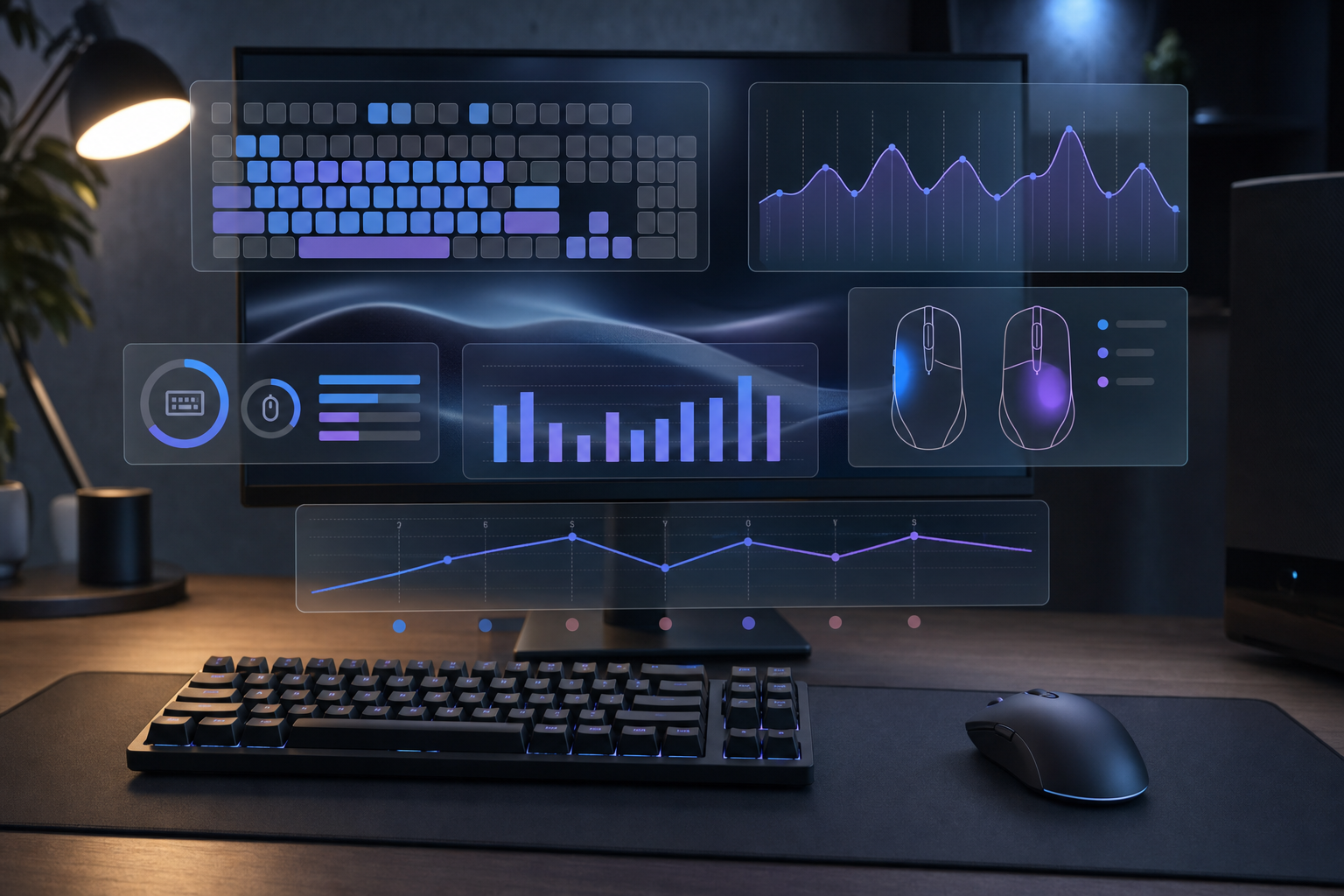
A practical keystroke tracker measures activity signals, not typed text. The useful signals are counts and patterns: how many keys you pressed, when activity rose or fell, how mouse clicks compared with keyboard use, and which days looked unusually active or quiet.
That kind of data can answer real questions without turning your keyboard into a surveillance device:
- Did your workday involve more writing, reading, meetings, or app switching?
- Are gaming sessions click-heavy, keyboard-heavy, or both?
- Do late-night sessions produce different activity patterns than mornings?
- Are your busiest computer days also the days with the most context switching?
- Did a new keyboard layout, editor, or workflow change your input volume?
WhatPulse fits this activity-first model. You can start with the WhatPulse download, review your own dashboard, and compare broader public trends through application statistics, website statistics, and uptime statistics. The point is measurement you can interpret, not a transcript of your day.
Keystroke tracker privacy: the safe measurement boundary
The safest boundary is simple: count events, discard content. A key press total can show that you typed a lot during a documentation sprint. The actual documentation text belongs in your editor, browser, chat app, or repository, not inside your activity tracker.
Use this decision table when comparing tools or checking your current setup.
| Question | Safer answer | Riskier answer | Why it matters |
|---|---|---|---|
| Does it record characters or words? | No, it stores counts and timing | Yes, it stores typed content | Content can expose passwords, chats, code, and private notes |
| Can you see where data is stored? | Yes, storage is documented | Storage is vague | You need to know what exists before you can protect it |
| Can you export or delete data? | Yes, controls are available | No clear controls | Personal analytics should stay user-controlled |
| Does it explain network activity? | Yes, sync and upload behavior is visible | No explanation | Hidden data movement breaks trust quickly |
| Can you pause tracking? | Yes, with clear app controls | No practical pause option | Sensitive sessions sometimes need quiet |
| Does it need system-wide input access? | Only where the operating system requires it | It asks for more access than needed | Permissions should match the job |
This table does not make every decision for you. It keeps the review concrete. A tracker can be useful and still need powerful permissions, especially on modern operating systems. The privacy question is whether those permissions serve a narrow measurement purpose and whether the product explains that purpose clearly.
Check permissions before you collect data
Keyboard and mouse tracking usually touches operating system privacy controls. On macOS, input access may appear under Privacy and Security settings. Apple documents how users can manage access to Input Monitoring on Mac. On Windows, privacy controls live across several settings pages depending on the type of access involved. Linux users may see different behavior across X11, Wayland, desktop environments, and package formats.
Before you run any activity tracker for a full week, do a short permission audit:
- Install the tracker from the official source.
- Read the permission prompt instead of approving it on muscle memory.
- Confirm what the app says it measures.
- Open the app settings and look for pause, sync, retention, and export controls.
- Check whether the app starts at login.
- Run a ten-minute test session.
- Review the dashboard and confirm that content is absent.
That last step catches the important failure mode. You do not need to trust a privacy statement blindly when the product gives you a way to inspect the resulting data. If the dashboard contains counts, charts, dates, apps, websites, and uptime, you are looking at activity analytics. If it contains exact strings you typed, treat it as a different class of software.
Separate activity tracking from keylogging
People often use “keystroke tracker” and “keylogger” as if they mean the same thing. In practice, they describe different intent and different data.
An activity tracker answers questions about volume and rhythm. A keylogger records content. That distinction changes the risk profile completely. Counting 8,000 keys in a day can help you compare work patterns. Saving the 8,000 characters behind those key presses can expose passwords, private messages, customer information, unreleased code, and medical or financial details.
For a personal WhatPulse-style workflow, that means you can track keyboard and mouse activity while avoiding the riskiest data category. Counts are enough for most habit questions. Content creates liabilities without improving the basic analysis.
Build a privacy-aware tracking routine
A good tracking routine starts small. Pick one question, collect enough data to answer it, then adjust. You do not need a dashboard with twenty charts on day one. That path leads to ornamental analytics, the kind that looks industrious while quietly gathering dust.
Try this weekly routine:
- Monday: note one question for the week, such as “Do writing days have a different keyboard pattern than meeting days?”
- Tuesday through Friday: let the tracker collect normal activity without changing your behavior.
- Friday afternoon: review keys, clicks, uptime, application time, and website time together.
- Weekend or Monday morning: write down one interpretation and one follow-up question.
The combination matters. Keyboard counts alone can mislead you. A low-key day may include research, reading, debugging, or planning. A high-click day may be gaming, design work, spreadsheet cleanup, or too much time wrestling with a hostile admin panel. When you compare keyboard activity with applications, websites, and uptime, the pattern becomes easier to explain.
WhatPulse Premium users can also export data through the Export Wizard for deeper analysis. Exporting is useful when you want to build your own spreadsheet, compare months, or combine activity with a calendar. Keep the same privacy rule there too. Export what helps answer the question, store it somewhere sensible, and remove old copies when the analysis is done.
Use keyboard data without over-reading it
Keyboard activity feels objective because it is numeric. That makes it tempting to treat the largest number as the best day. Resist that lazy little gremlin. A high keystroke count can mean flow, frantic chat, repetitive form entry, or a bug that required too many console commands. A low count can mean focused reading, architecture review, testing, or a day spent thinking before typing.
Use ranges instead of moral scores. For example:
- Baseline days: normal activity for your role and schedule.
- Writing days: higher key counts, often with fewer application switches.
- Review days: lower key counts, more reading, more browser or document time.
- Meeting-heavy days: lower input activity, higher uptime, different website patterns.
- Gaming days: spikes in clicks, keys, and session length.
This style works especially well for developers, gamers, writers, analysts, and remote workers because their computer use has different modes. The goal is not to make every day look the same. The goal is to understand which signals belong to which mode.
For keyboard enthusiasts, long-term counts can also add practical context. If you care about switches, layouts, or hardware lifespan, pair your own numbers with broader curiosity pieces like Keyboard Lifespan: How Many Keystrokes Does It Last?. If mouse behavior is the real question, compare it with Mouse Click Statistics: What Your Daily Clicks Reveal. Related stats give you reference points, but your own baseline stays more useful than someone else’s leaderboard.
Red flags when choosing a tracker
Some red flags deserve a quick uninstall. Avoid tools that make vague promises while requesting broad access, hide where data goes, or treat export and deletion as afterthoughts. Also be cautious with tools that focus on employee monitoring language when your goal is personal self-measurement. Those products may solve a different problem with a different trust model.
Use this short checklist before committing to a tracker:
- It states whether it records typed content.
- It documents local storage, sync, and account behavior.
- It has an official download source and update path.
- It gives you a dashboard you can inspect.
- It supports pause, disable, or uninstall without theatrics.
- It avoids surprise screenshots, clipboard capture, or message capture.
- It lets you use numbers for your own review instead of pushing judgmental scores.
The last point sounds soft, but it changes behavior. Personal analytics should help you ask better questions about your habits. If the tool keeps nudging you toward shame, rankings, or surveillance, the data will become something you avoid looking at.
A safe setup for personal activity analytics
A safe setup has three parts: narrow collection, visible controls, and regular review. Narrow collection keeps typed content out. Visible controls make storage, sync, pause, and export understandable. Regular review turns raw counts into a personal baseline.
Start with one computer, one week, and one question. Review keyboard activity next to mouse clicks, application time, website time, and uptime. Keep what helps. Ignore vanity numbers that do not explain your actual habits. If you use WhatPulse, treat the dashboard as a measurement surface for your own computer behavior, then export only when you have a reason.
Keystroke tracker privacy is not about avoiding measurement. It is about measuring the right layer. Count the activity. Protect the content. Let the numbers show how you use your computer without turning your private work into someone else’s dataset.