Change the language
Open Settings > Appearance in the sidebar, then use the Language dropdown on the right:
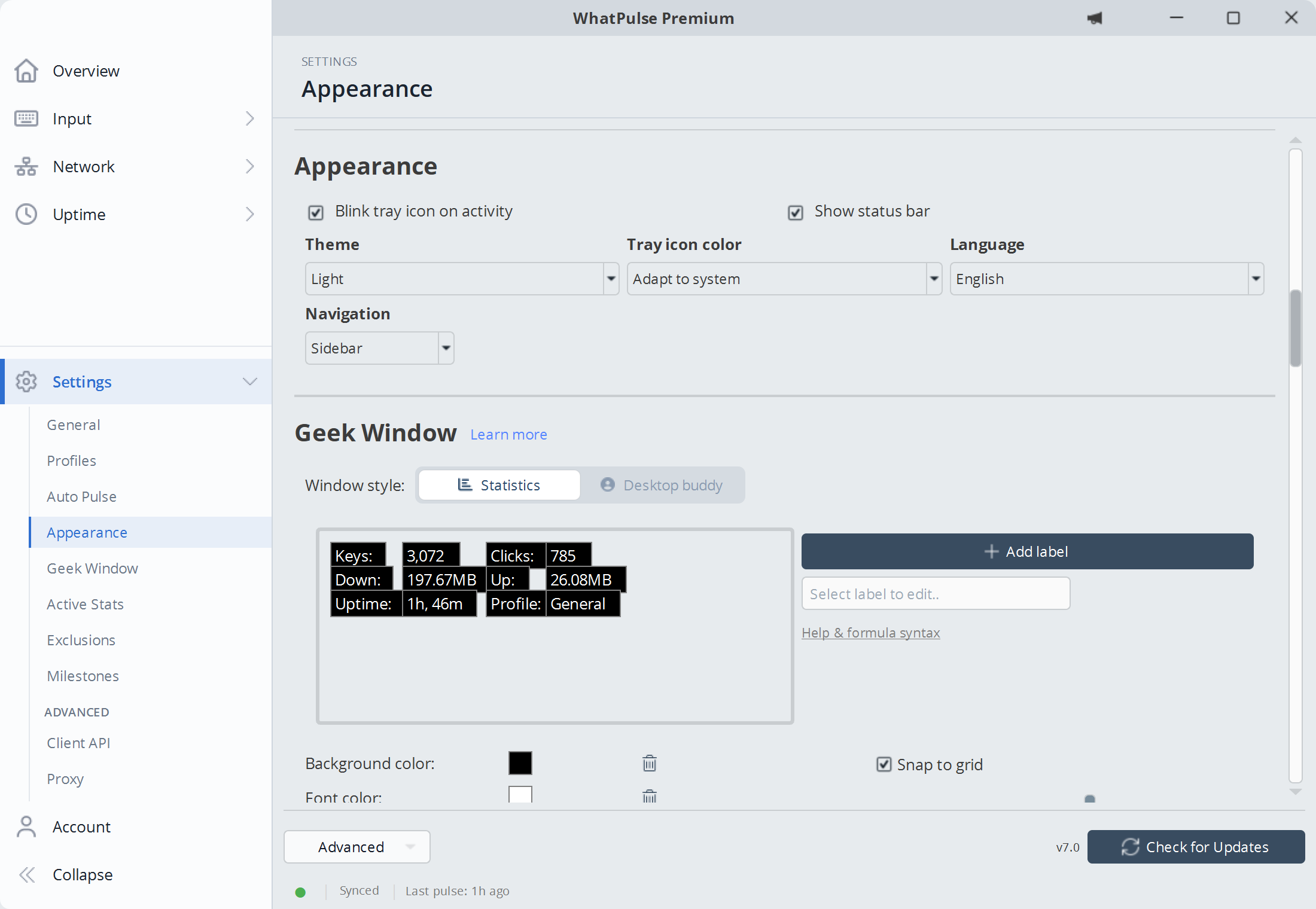
Language selection and the refresh link in an earlier layout.

After selecting the language you want to use, hit the Click here to refresh link. This will close and reopen the client window to have the new language take effect!
Contributions
If you would like to help make a new language available for yourself or your fellow citizens, you can! We have open-sourced the language files and would be happy to get contributions. Find all info about the translations on GitHub